요약
Weak hardware doesn't mean your old laptop is useless. Learn how it can fill small yet useful roles in a home lab setup, running Docker and VMs.
본문
 By
Abhishek Kumar Mishra
Published May 9, 2026, 11:00 AM EDT
Abhishek is an author at XDA who covers computing.
By
Abhishek Kumar Mishra
Published May 9, 2026, 11:00 AM EDT
Abhishek is an author at XDA who covers computing. He has loved computers since he got the Lenovo G570 in 2012. Abhishek holds a master's degree in computer applications and began his writing career in 2018. He loves writing how-to articles, listicles, and informational posts on popular operating systems and web services.
He closely follows the Windows Insider program and tests new Insider builds to discover upcoming experimental features and upgrades. His past work includes long-term collaborations with reputed publications like Tom's Hardware, and Windows Latest.
When not writing anything, he is busy watching new episodes of One Piece or searching for something binge-worthy. Sign in to your XDA account
Windows 11 has some pretty big demands, and old systems have a hard time fulfilling them. From increased minimum memory and storage requirements to hardware-level security elements like Secure Boot and TPM, it makes it a challenging installation for old machines. But that's not the end of the road for your old laptop or PC. It's a perfect fit in a home lab setup where it can serve a new role. I have personally dedicated multiple old devices, including laptops, as servers running Docker containers and virtual machine setups.
These solutions breathe new life into my old hardware, which was otherwise unfit for the next big Windows OS version. Let's discuss why you must look into these solutions rather than giving away your laptop or selling it dirt cheap.
Weak hardware isn't useless
It can fill small yet useful roles
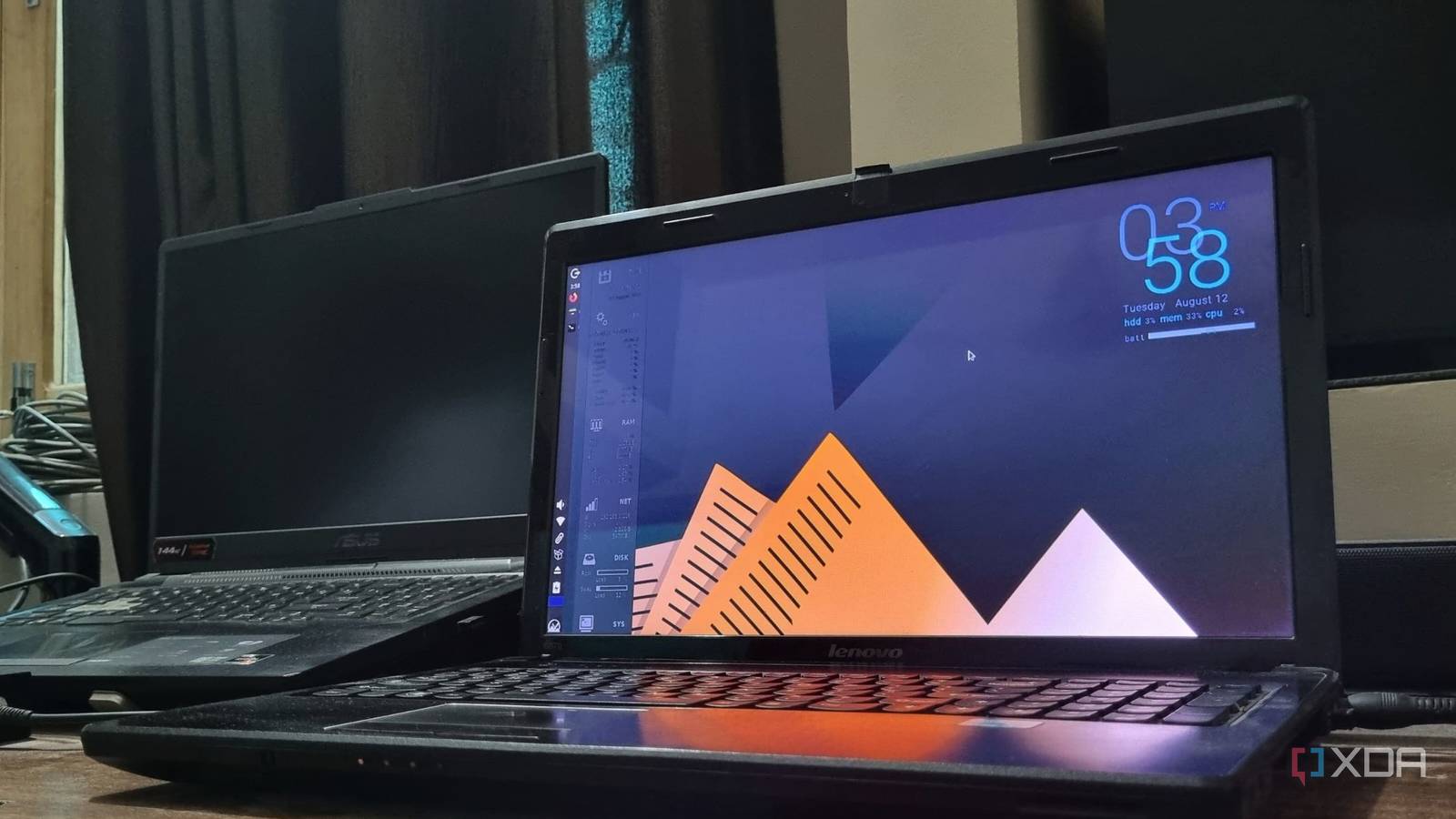
An old-gen dual-core processor with 4GB DDR3 RAM and no TPM or Secure Boot might be a useless, unreliable thing for Windows 11. But it's not the case if you go the DIY route. I have a lower-spec 2012 laptop that can't run the latest and greatest OS offering from Microsoft. It falls short, and rather than forcing my way to install Windows 11 and have a poor, less-secure experience of the OS, I prefer to use it as a home server.
It acts as an excellent Docker system and runs several of my self-hosted tools. Eight containers run in complete harmony without any hiccups and are available 24/7 when I need them. It's because most tools that I use need a small amount of memory and computing power. The overall usage rarely spikes over the 80 percent limit, and it keeps working in the background all the time.
The seemingly unusable hardware for Windows 11 is now an active server available for multiple devices in my home. Similarly, if you have a slightly better spec laptop, you can experiment with Proxmox and other bare metal hypervisors. You can use it for creating virtual machines and LXC containers. Using Proxmox adds a lot of features like backup, hardware allocation configuration, and more, which are useful if you want to fine-tune your server.
My setup isn't that complex and runs simple tools with MX Linux Fluxbox as the host OS, which doesn't need a huge amount of memory. It can work well under 500 MB, and I still get to use the laptop if I need it for some casual web browsing or troubleshooting.
You can opt for distros without a desktop environment to bring down the OS resource consumption even further and then use Docker on it. But it requires slightly better familiarity with the terminal. There are ample lightweight GUI distros like Q4OS, AntiX, MX Linux, and more. Or you can go with Ubuntu Server to build a lean Linux system and then begin installing tools and Docker containers on it.
 Related
Don't just revive your old laptop, turn it into a home server
General-purpose Linux distros aren't the only way to resurrect your outdated computing companion
Posts 3 By Ayush PandeLaptops are perfect for a homelab
Better connectivity, battery backup, and low power
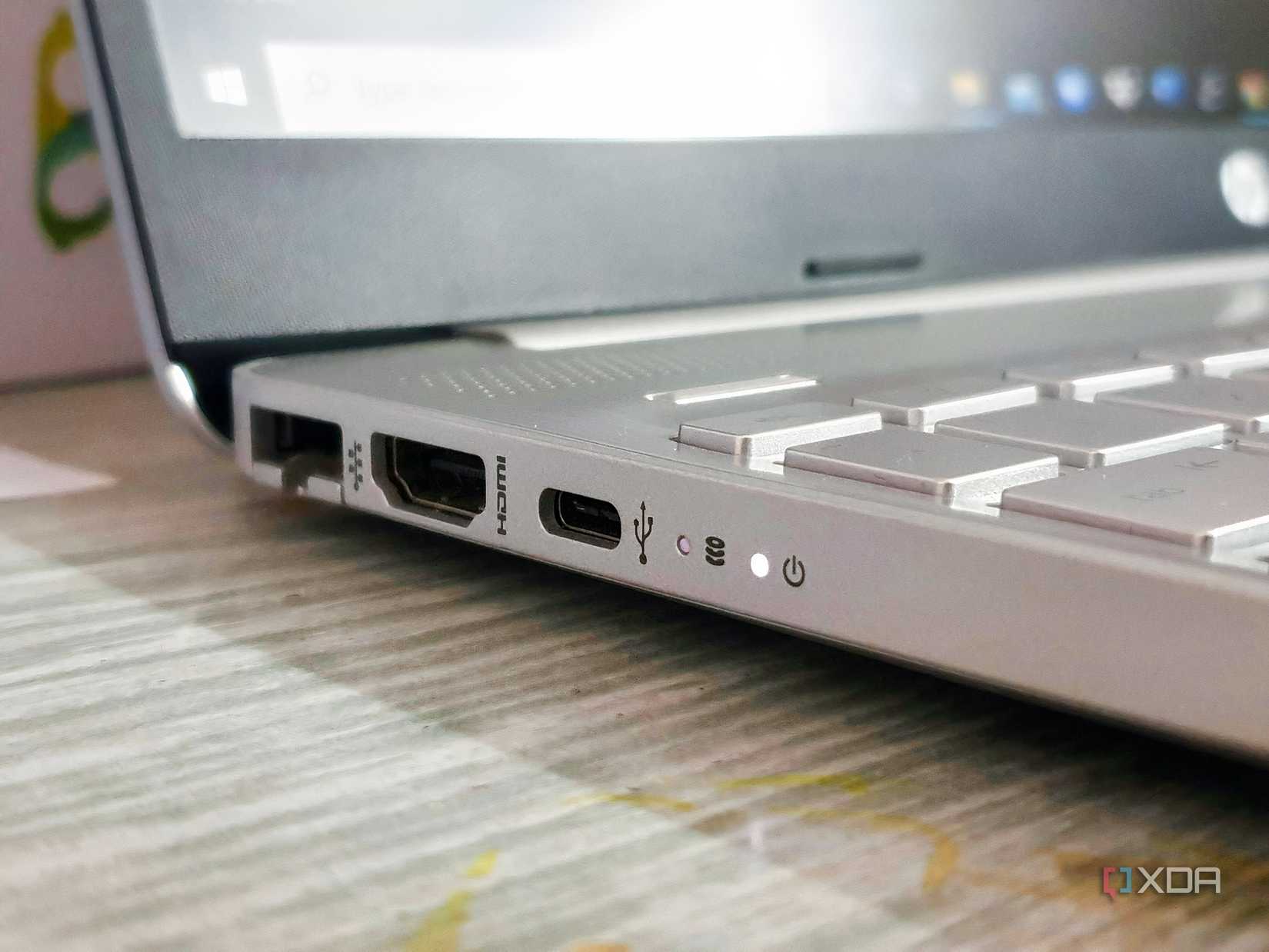
I have quite a few SBCs in my home lab, and while they excel at power management, they lack better connectivity, performance, and battery backup. Your old laptop has a dedicated Ethernet port, wireless connectivity, multiple USB ports for connecting additional USB drives, and doesn’t need too much power to operate.
My old Lenovo is still going strong and has a basic 65W power adapter. However, the total power usage rarely crosses 40W during peak loads and remains very low in the 10-15W range when idle. It’s more than an SBC, but those tiny computers cannot match the computing power of even old, entry-level laptops. I don’t mind spending a little extra for a significant bump in performance and computing power.
If your laptop has a working battery (even if it doesn’t offer the same backup as before), it’s a boon for self-hosted setups. Since most of your tools, like a media server or a local cloud storage system like NextCloud, live on it, having a battery backup is great. A small-duration power outage can render these tools inaccessible, but your laptop’s battery can ensure that your tools remain active for some more time.
Subscribe for Practical Homelab Guides & Laptop Hacks
Explore more: subscribe to the newsletter for hands-on homelab projects, lightweight distro recommendations, Docker and VM walkthroughs, and practical hardware repurposing tips to turn old laptops into useful home servers and learning platforms. By subscribing, you agree to receive newsletter and marketing emails, and accept our Terms of Use and Privacy Policy. You can unsubscribe anytime.So, you don't need to add a UPS into the mix to ensure that your self-hosted services remain active during such incidents. I have an inverter setup at my home that can run it and a few more machines for a full day without any issue.
You can also save money on buying new devices for self-hosting because your old laptops can fulfill the role. Rather than buying new hardware, which has become exceptionally expensive in the last few months due to RAM and storage shortages, the old laptop can be your stepping stone in learning and advancing in self-hosting. The entry barrier is very low, and even your old laptop from your school or college days can act as a reliable home lab device.
Old laptops can do more
Windows 11 might classify your old laptop as incapable of running a modern OS, but there are multiple possibilities to pursue. The simplest action is to run Linux on it and use it as a secondary device. Once you get comfortable, you can start introducing locally running tools like Jellyfin or add Docker containers and locally host them. Using bare metal hypervisors and creating containers is also an option, rather than giving up on your laptop.