요약
Two simple signals separate urgent patches from routine security noise.
본문
 By
Afam Onyimadu
Published May 5, 2026, 11:00 AM EDT
Afam's experience in tech publishing dates back to 2018, when he worked for Make Tech Easier. Over the years, he has built a reputation for publishing high-quality guides, reviews, tips, and explainer articles, covering Windows, Linux, and open source tools. His work has been featured on top websites, including Technical Ustad, Windows Report, Guiding Tech, Alphr, and Next of Windows.
By
Afam Onyimadu
Published May 5, 2026, 11:00 AM EDT
Afam's experience in tech publishing dates back to 2018, when he worked for Make Tech Easier. Over the years, he has built a reputation for publishing high-quality guides, reviews, tips, and explainer articles, covering Windows, Linux, and open source tools. His work has been featured on top websites, including Technical Ustad, Windows Report, Guiding Tech, Alphr, and Next of Windows.He holds a first degree in Computer Science and is a strong advocate for data privacy and security, with several tips, videos, and tutorials on the subject published on the Fuzo Tech YouTube channel.
When he is not working, he loves to spend time with his family, cycling, or tending to his garden. Sign in to your MakeUseOf account
Vulnerabilities often arrive with a lot of urgency, but sometimes it's more noise than is actually warranted. In fact, VulnCheck believes that of the more than 40,000 vulnerabilities disclosed in 2024, only 1% were confirmed to have been exploited in the wild.
Still, the moment we hear of a vulnerability, we feel the need to update instantly. This seems to be the common-sense approach. However, blindly following this process all the time shows that you don't have a reliable way of telling which vulnerabilities actually require you to update. There are ways to decide.
The two signals that actually tell you when to update
One is a government list anyone can search in 30 seconds; the other is the vendor's own wording
- The FIRST data in the above images shows EPSS scores and top-rated CVEs.
You don't need a tool or a scoring system, but just two signals to decide whether it's reason enough to update.
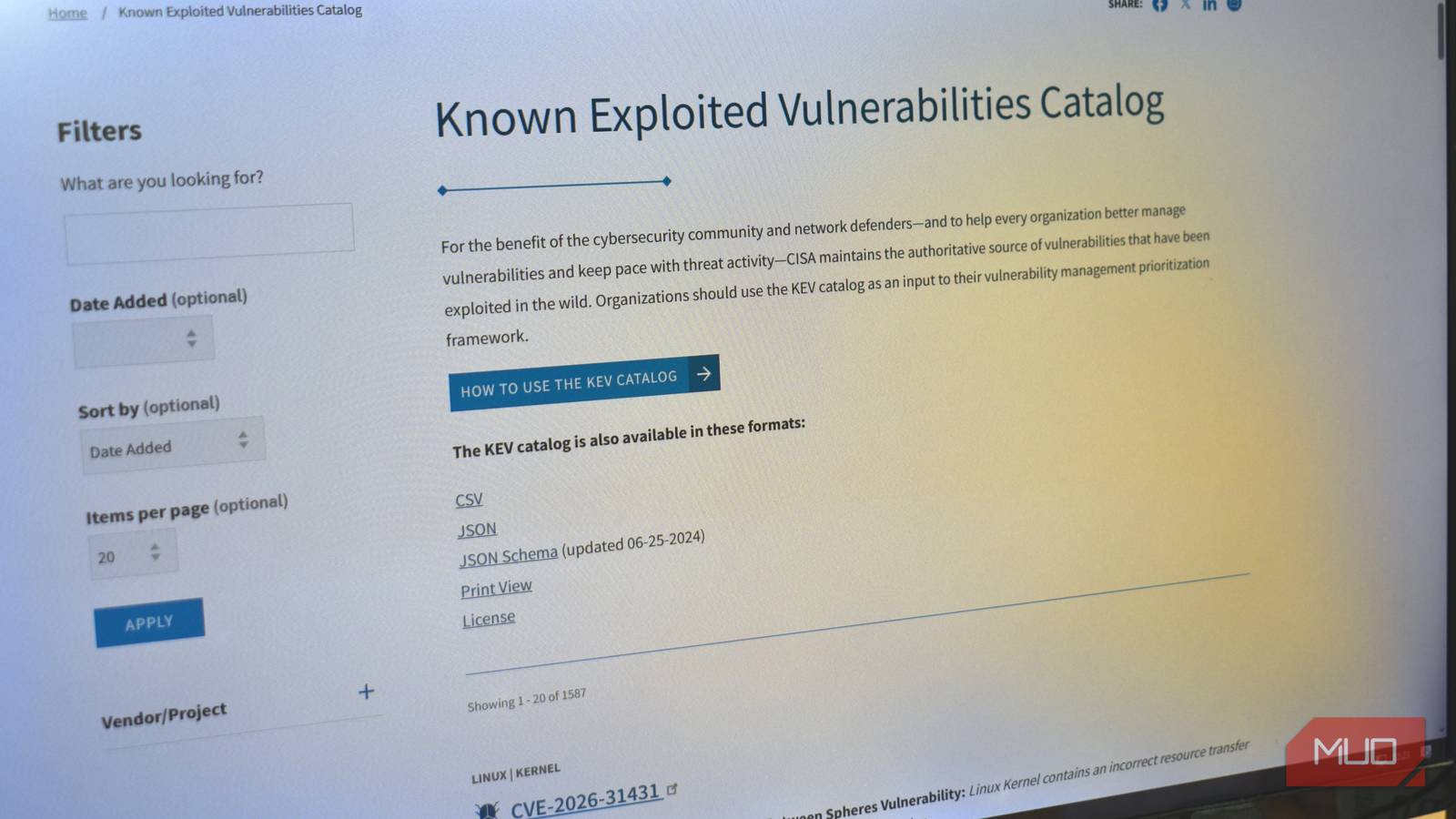
The first of these is the Cybersecurity and Infrastructure Security Agency's (CISA) KEV (Known Exploited Vulnerabilities) catalog. This is a detailed public catalog of confirmed vulnerabilities actively used in real-world attacks. So, rather than theoretical or high-scoring vulnerabilities, it shows confirmed exploits. Hence, if you find anything on this list that affects a tool you use, you must update it immediately.
There are several ways to search through the list. I find searching by vendor name very effective. Once I get results, I can match them to the software I use.
Vendor advisory language is the second signal. The people who built the software can give a direct signal by using language such as "actively exploited" or "exploitation detected in the wild" in their security advisory. This is often used alongside a severity label such as "Critical" or "Important" and directly signals that real, immediate action is needed.
Your update urgency should follow this rule:
|
Signal present |
What it means |
Action |
|---|---|---|
|
On CISA KEV catalog |
Confirmed real-world exploitation |
Update immediately |
|
Vendor says "actively exploited" |
Developer-confirmed attacks |
Update immediately |
|
High severity score only, no exploitation noted |
Theoretical worst-case risk |
Update at your next regular prompt |
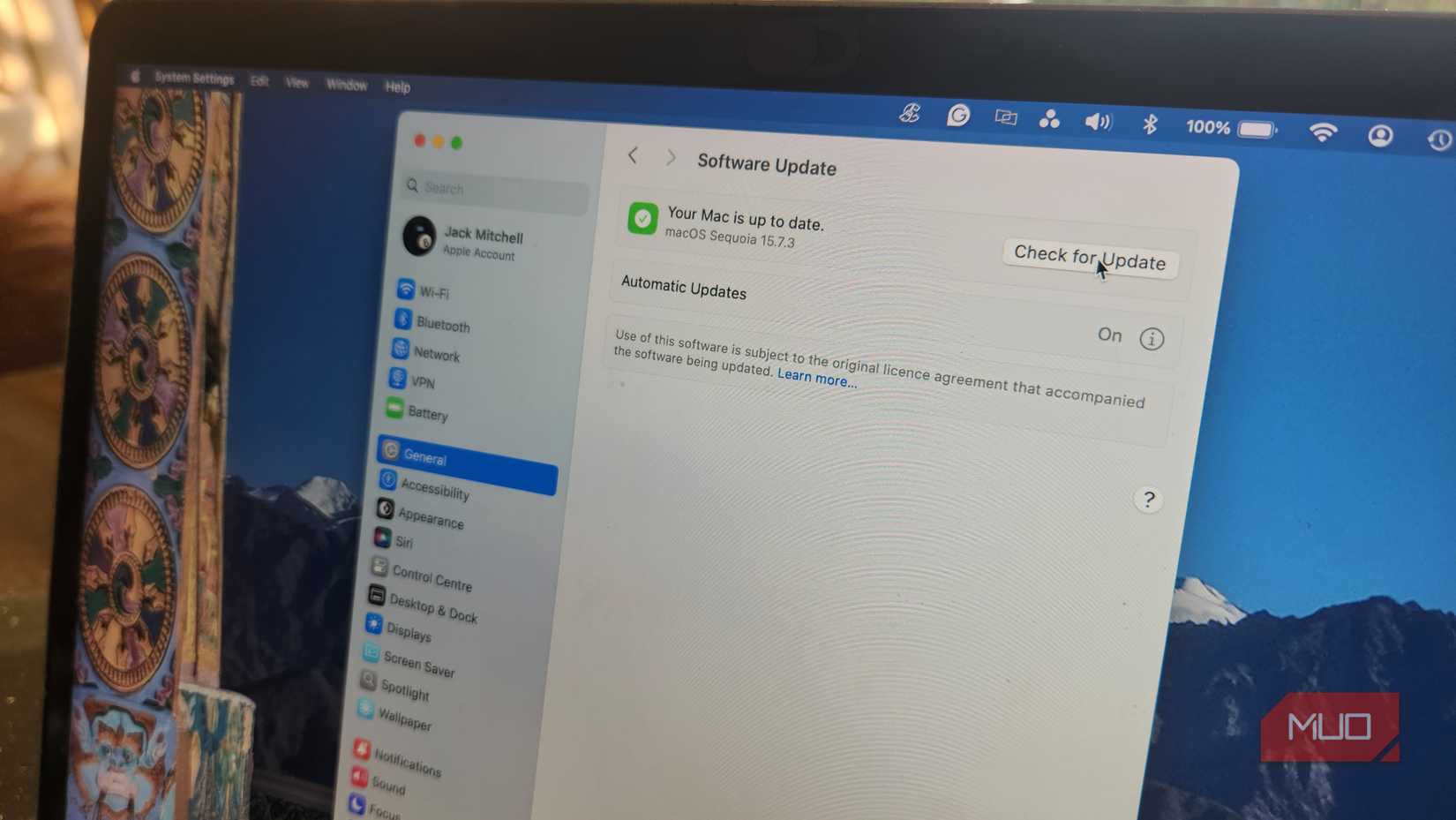
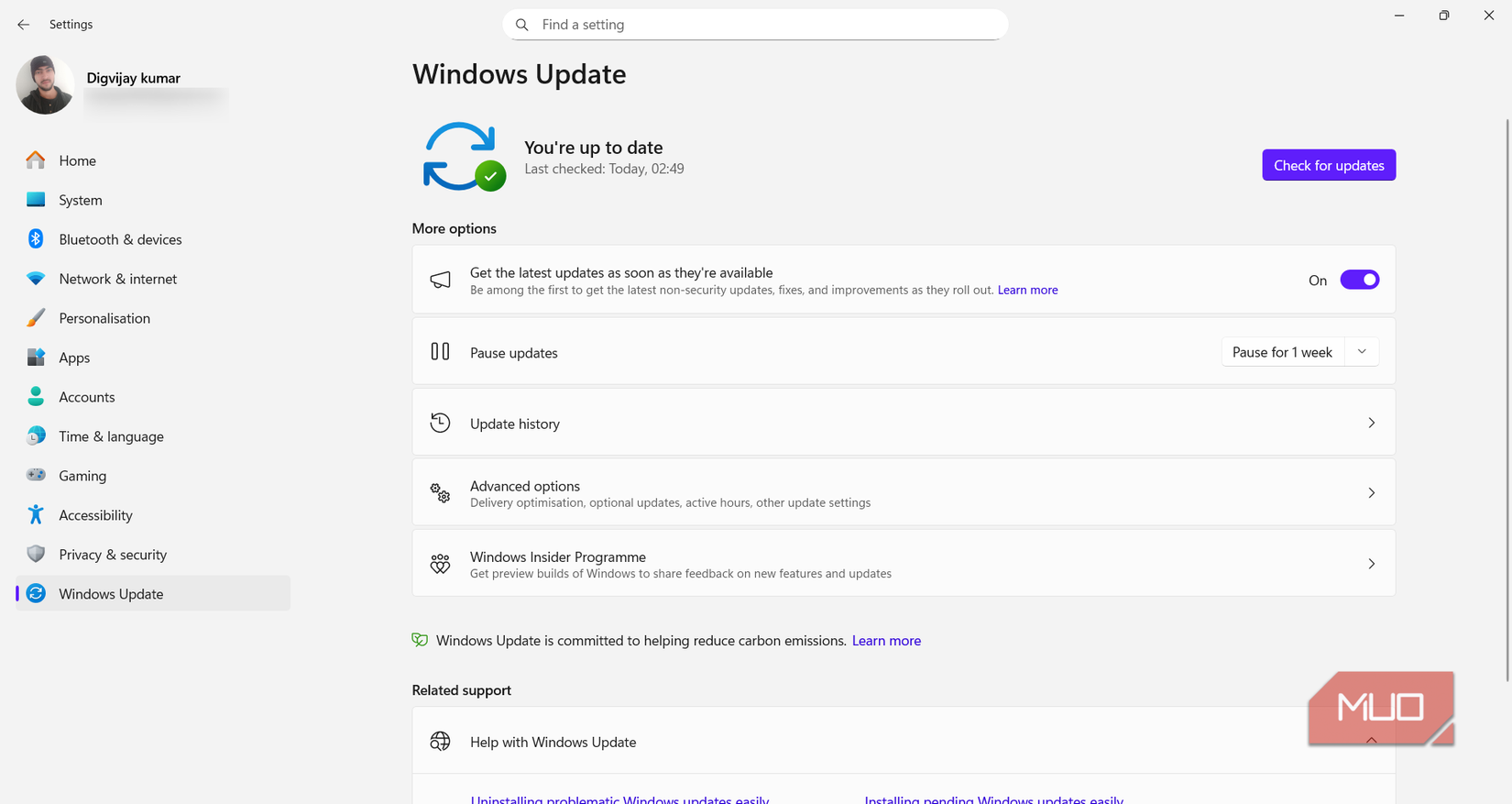
Typically, browsers and operating systems are two categories of consumer software that account for most exploited vulnerabilities. It's safe to have automatic updates on. However, for everything else, you may first run this check when you see an update notification and proceed with the update if there is a real threat.
 Related
I found a Windows 11 log that shows exactly what's making my PC slow — and most people don't know it exists
A forgotten Windows feature that explains performance drops clearly.
Posts 3 By Afam OnyimaduWhy the severity score in every headline is the wrong number
CVSS measures worst-case impact — not whether anyone is actually coming for you
 Credit: Jack Mitchell/MakeUseOf
CVSS is a scoring system represented by a 0-to-10 scale for every "patch immediately" headline you see. 9.0 to 10.0 is critical, 7.0 to 8.9 is high, 4.0 to 6.9 is medium, and 0.1 to 3.9 is low. This score measures the hypothetical worst-case severity of a vulnerability; an attacker's maximum capability if there are no defenses. It's a helpful scoring technique if you have to compare vulnerabilities against each other; however, it doesn't tell you if an update is warranted. It leaves open important gaps because it doesn't tell:
- Whether anyone is actively exploiting it
- Whether you have the affected software installed
- Whether the vulnerability is remotely reachable
The last point defines an attack Vector field (in CVE entries). This is the biggest gap in CVSS scoring.
|
Attack vector |
What it means for a home user |
|---|---|
|
Network |
Exploitable by anyone on the internet (highest relevance) |
|
Adjacent |
Attacker must be on your local network, same Wi‑Fi network |
|
Local |
Attacker already has access to your device (relevant mainly on shared machines) |
|
Physical |
Requires direct hardware access (minimal risk for most home users) |
There is a real distinction that's often omitted. A medium-scored vulnerability with a network vector can be more dangerous than a critical-scored vulnerability requiring local or physical access.
To put it all in perspective, of the 1% of the 40,000 vulnerabilities confirmed to have been exploited in the real world, several were exploited before a CVE was issued. This makes them rare but fast vulnerabilities, and exactly what the two signals are meant to catch.
The optional signal security professionals add to the picture
EPSS gives each vulnerability a probability score — but it has one important blind spot
EPSS (Exploit Prediction Scoring System) is a third signal if you want to go a level deeper. It estimates the probability that a vulnerability will be exploited within 30 days. This calculation relies on observed attacker behavior and is updated daily. If a vulnerability has a 9.8 CVSS rating but a 0.3% EPSS score, it shows that attackers are ignoring it. However, a 5.5 CVSS rating with an 80% EPSS score shows that the vulnerability is drawing real-world attention.
Newsletter: Clarity on Vulnerability Priorities
Subscribe to the newsletter for clear, practical coverage of vulnerability prioritization and patch decisions - cut through headline noise with principled guidance that helps you identify which updates actually matter. By subscribing, you agree to receive newsletter and marketing emails, and accept our Terms of Use and Privacy Policy. You can unsubscribe anytime.nvd.nist.gov shows CVSS and EPSS side by side. Treat as an emergency if a vulnerability with a network attack vector has an EPSS of 50%; update even before confirming KEV. However, the catch is that a zero-day vulnerability will have low EPSS scores, simply because there is no exploitation evidence the model needs to update. This is why using EPSS as a supporting signal rather than a primary cue is the better option.
The rule of thumb is to update instantly if KEV is confirmed or the vendor labels it as "actively exploited." You may hold off updates for 24 to 48 hours if EPSS is above 50% with a network attack vector, but the vulnerability is not yet on KEV. You can defer updates until your next regular update cycle, when the only signal is a high CVSS.
Some things earn an "update immediately" status — no signals required
For most updates, you only need the two-signal system. However, you don't have to wait for any signals before updating certain tool categories. The table below is my guide:
|
Software category |
Recommended approach |
|---|---|
|
Browsers (Chrome, Edge, Firefox, Safari) |
Always update immediately; keep auto-updates on |
|
OS patches described as network-exploitable with no user interaction |
Always update immediately |
|
Office apps and PDF tools, if you regularly open external attachments |
Always update immediately |
|
All other software |
Apply the two-signal test: KEV or "actively exploited" in the vendor advisory |
Don't skip updates you actually need. However, you should also know why you are updating. Most security headlines are intentionally scripted to look alarming, and that's how publishing generally works, but now you know what to look out for, you can tell if an update is needed or not.