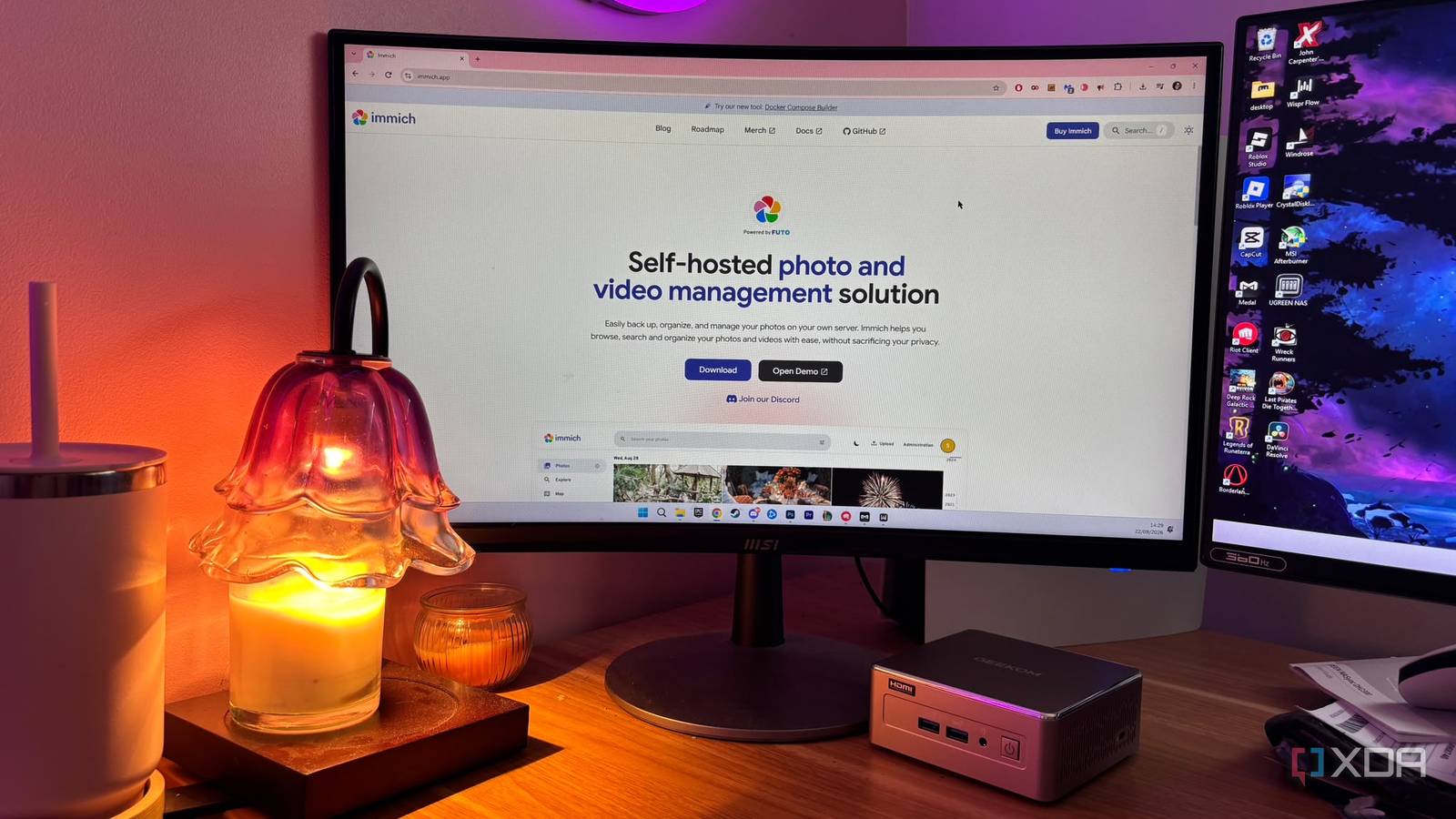
요약
Immich is fantastic and free.
본문
 By
Jasmine Mannan
Published Sep 25, 2026, 7:00 PM EDT
Jasmine is Software and PC Hardware Author at XDA with years of tech reporting experience ranging from AI chatbots right down to gaming hardware, she's covered just about everything.
By
Jasmine Mannan
Published Sep 25, 2026, 7:00 PM EDT
Jasmine is Software and PC Hardware Author at XDA with years of tech reporting experience ranging from AI chatbots right down to gaming hardware, she's covered just about everything.Whether it's breaking news about the latest AMD NPUs or creating video tutorials on social media platforms, Jasmine has contributed to the world of AI and tech in a variety of ways including interviewing the CEO of Razer, AMD's Director of Product Marketing and the VP of Lenovo. Passionate about gaming and PC technology, she has built countless computers, keyboards and other peripherals - knowing them inside and out. Sign in to your XDA account
Creeping subscription fees make cloud storage feel a little bit like a scam. Some services can cost hundreds of dollars a year just to keep backing up family photos in original quality. On top of that, the backup process itself is frustrating. Cloud services can throttle upload speeds, compress raw files in the background, and trap your media behind proprietary web viewers with zero granular control.
Self-hosting allows you to cancel the subscription and spin up Immich, the open-source self-hosted alternative that mirrors the slick UI, face recognition, and mobile auto-backup of Google Photos but can run entirely on local hardware. Cloud storage providers monetize your personal memories while throttling uploads and compromising your privacy, but by self-hosting Immich on a local mini PC, you reclaim financial control, eliminate upload bottlenecks, and run a private photo cloud that feels faster and smarter than the big-tech alternatives.
Traditional cloud storage services have so many flaws
From slow uploads to privacy issues
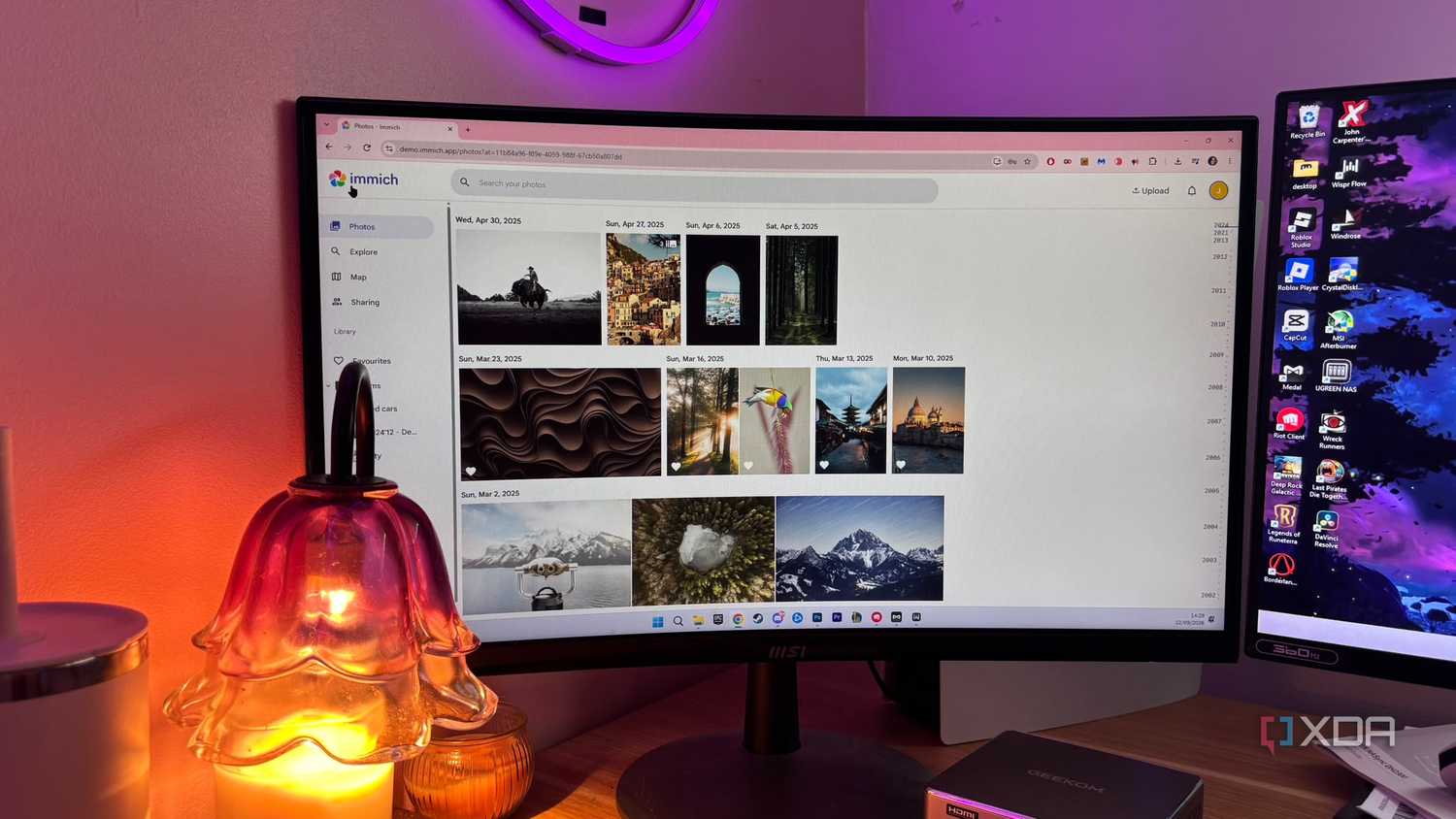
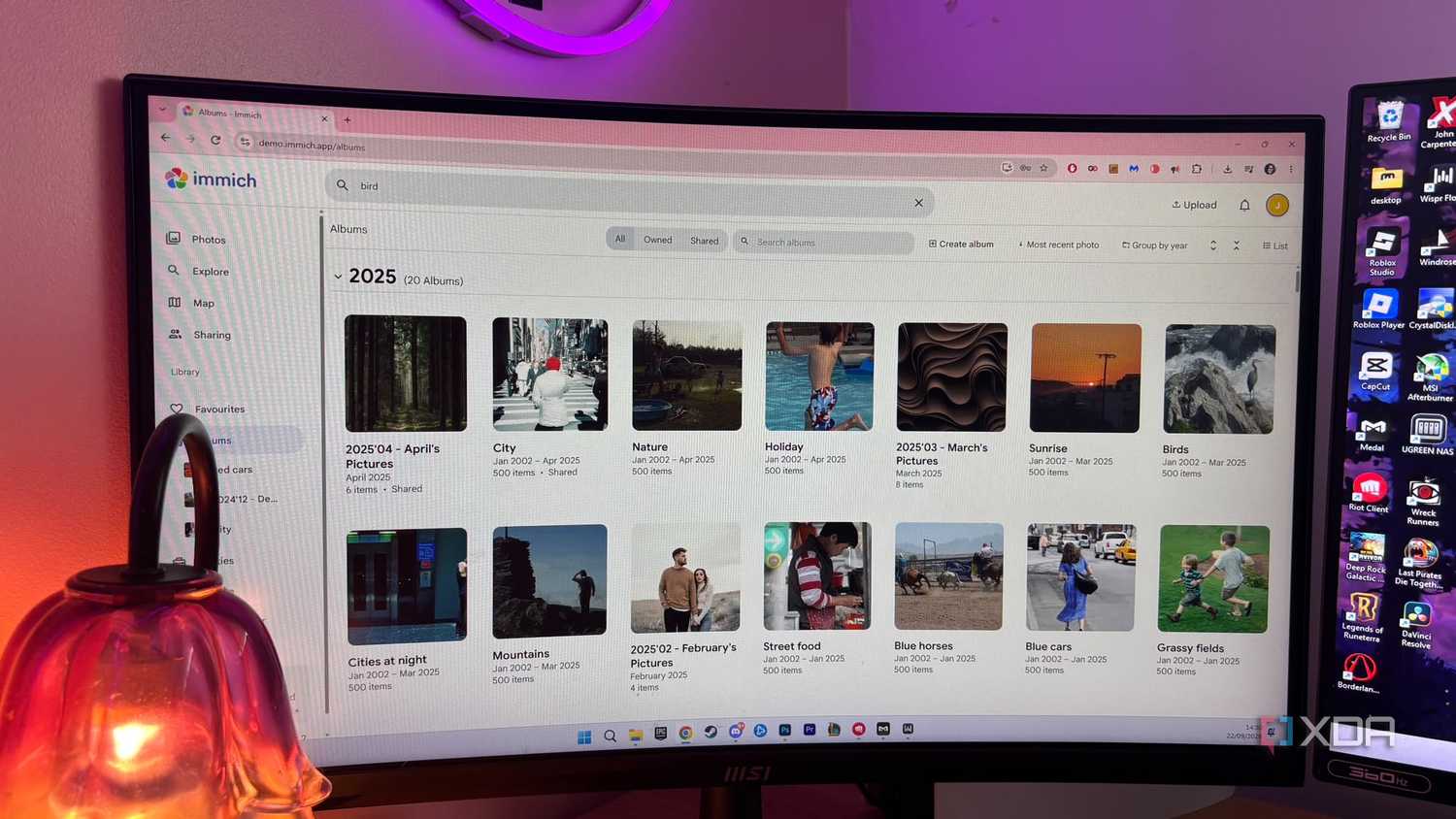
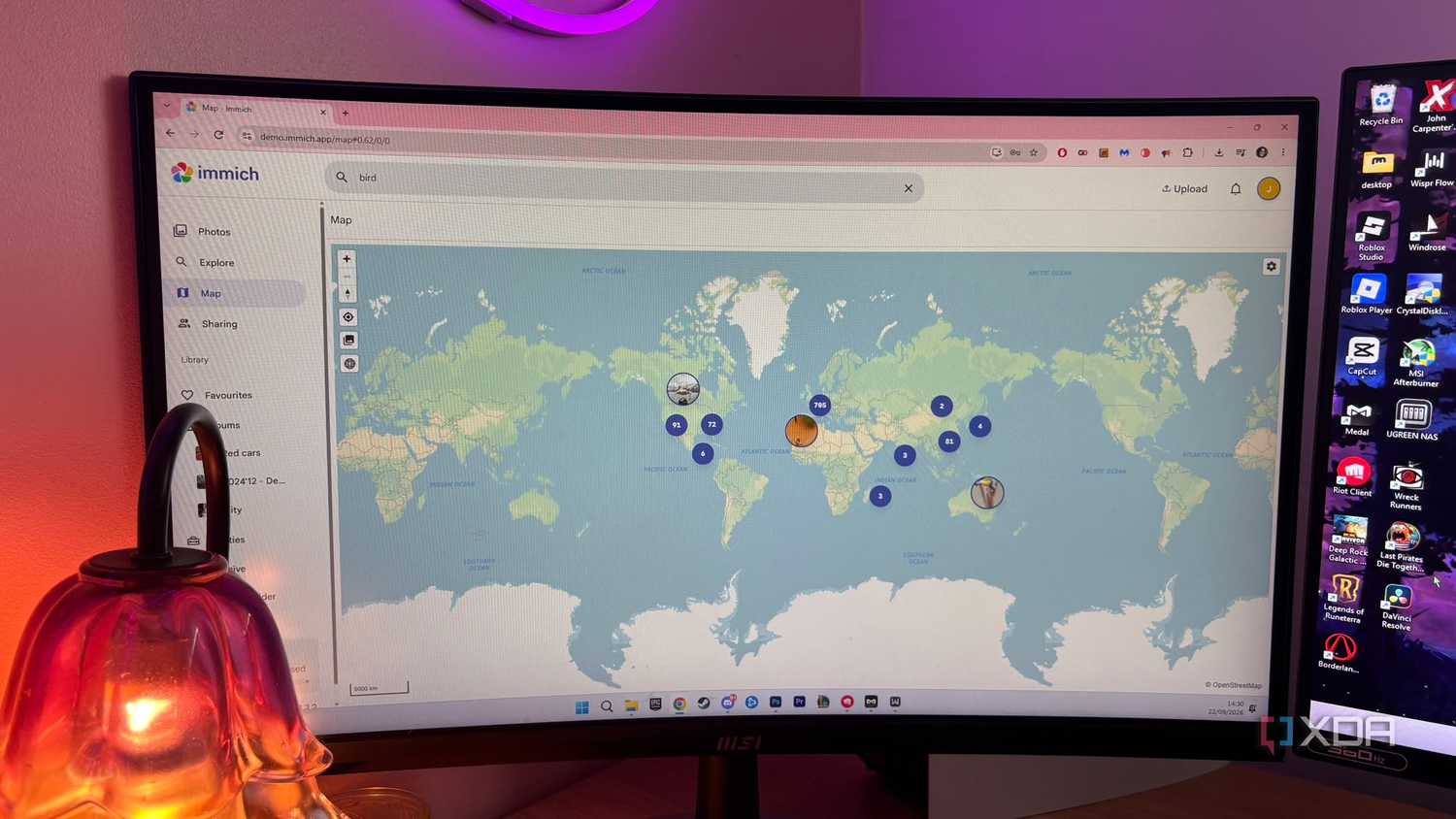





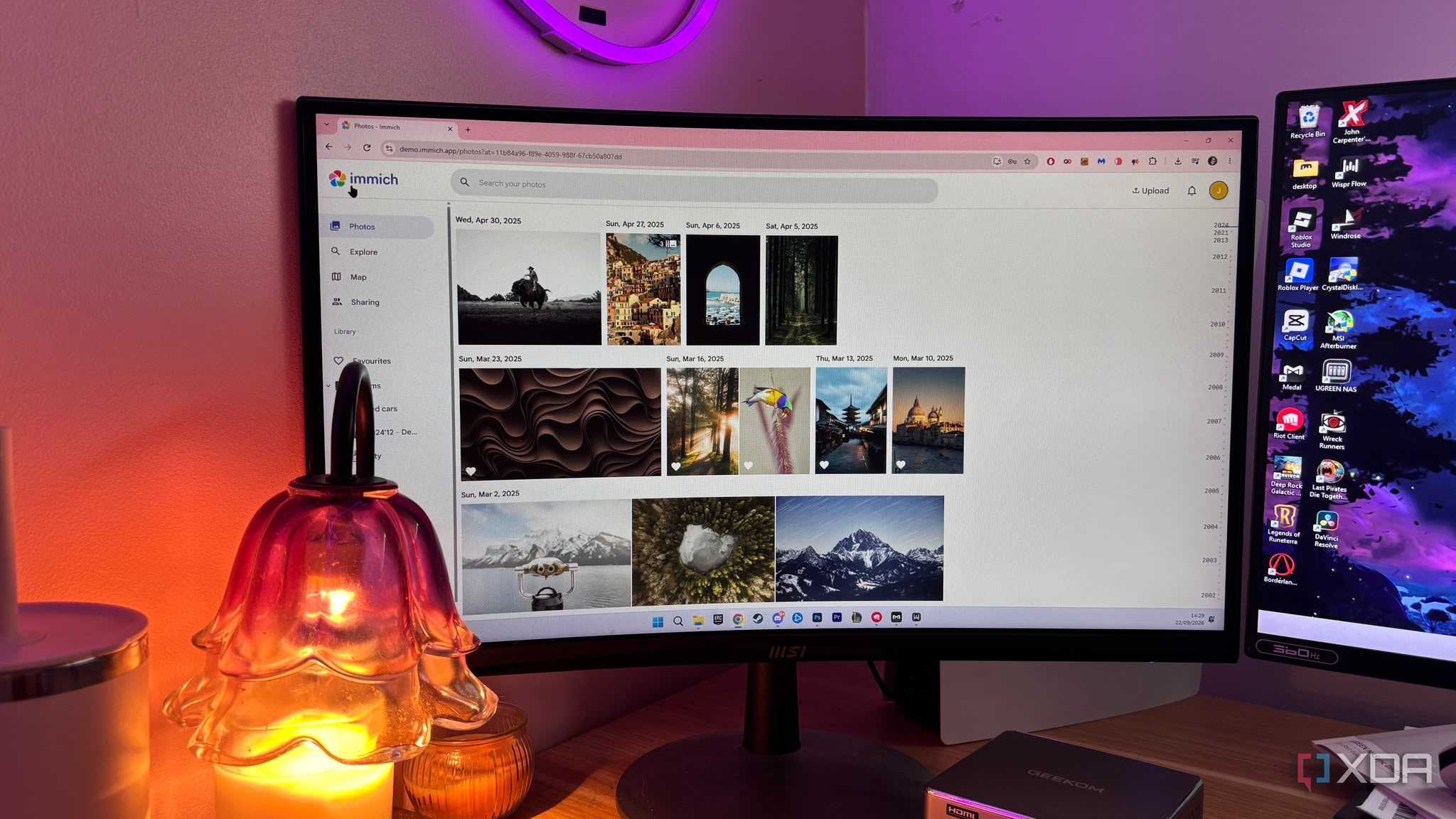
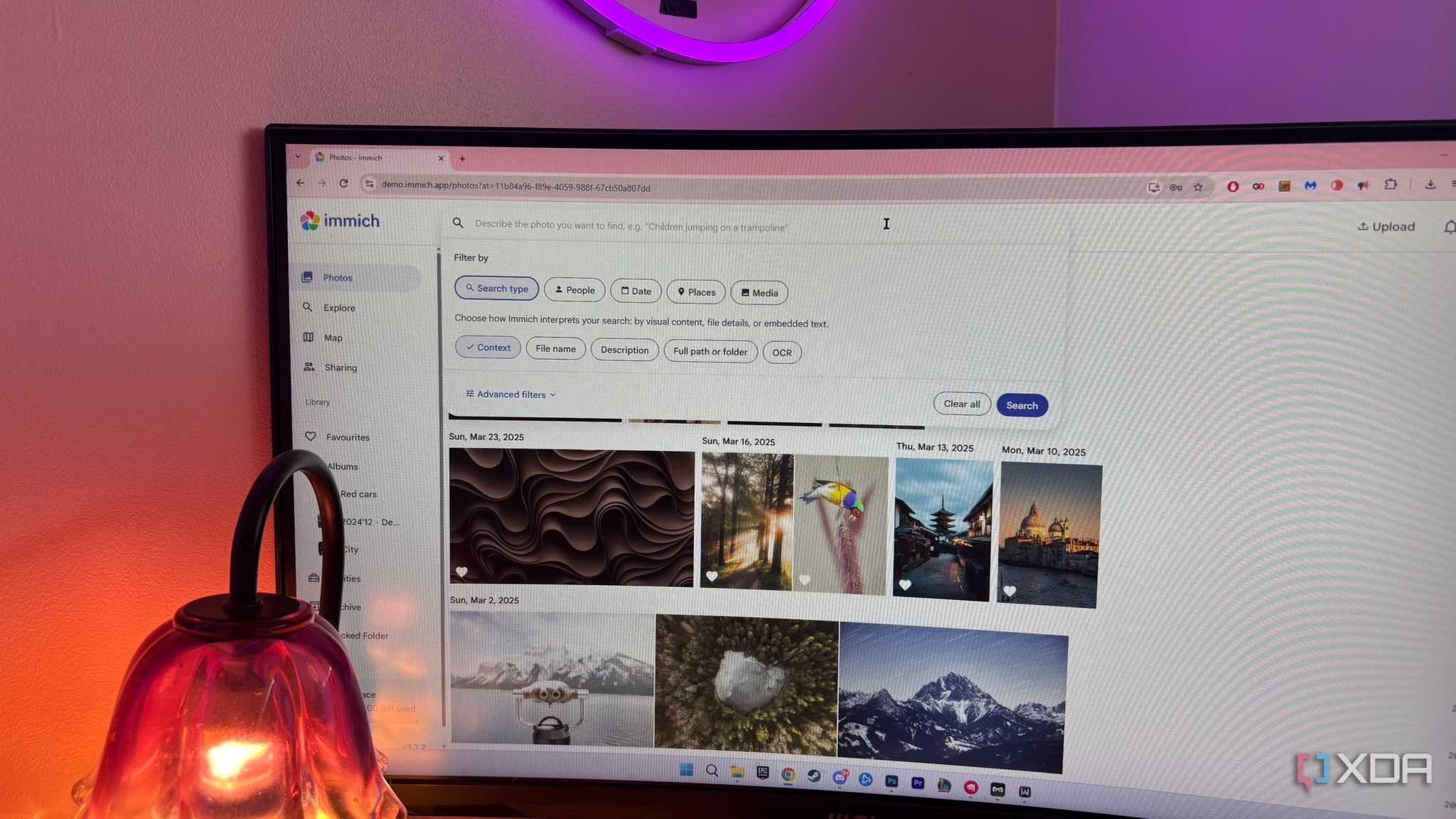
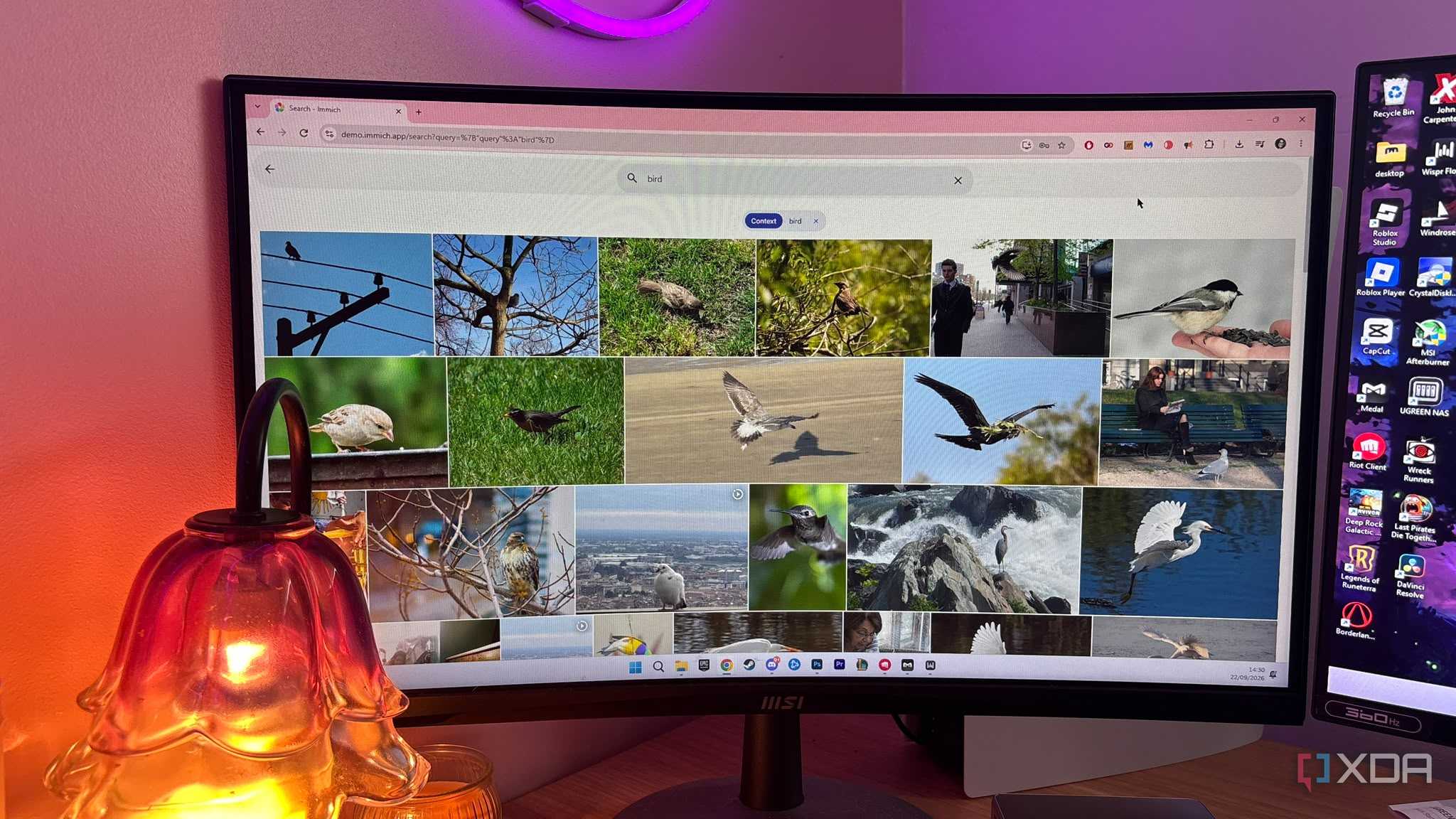
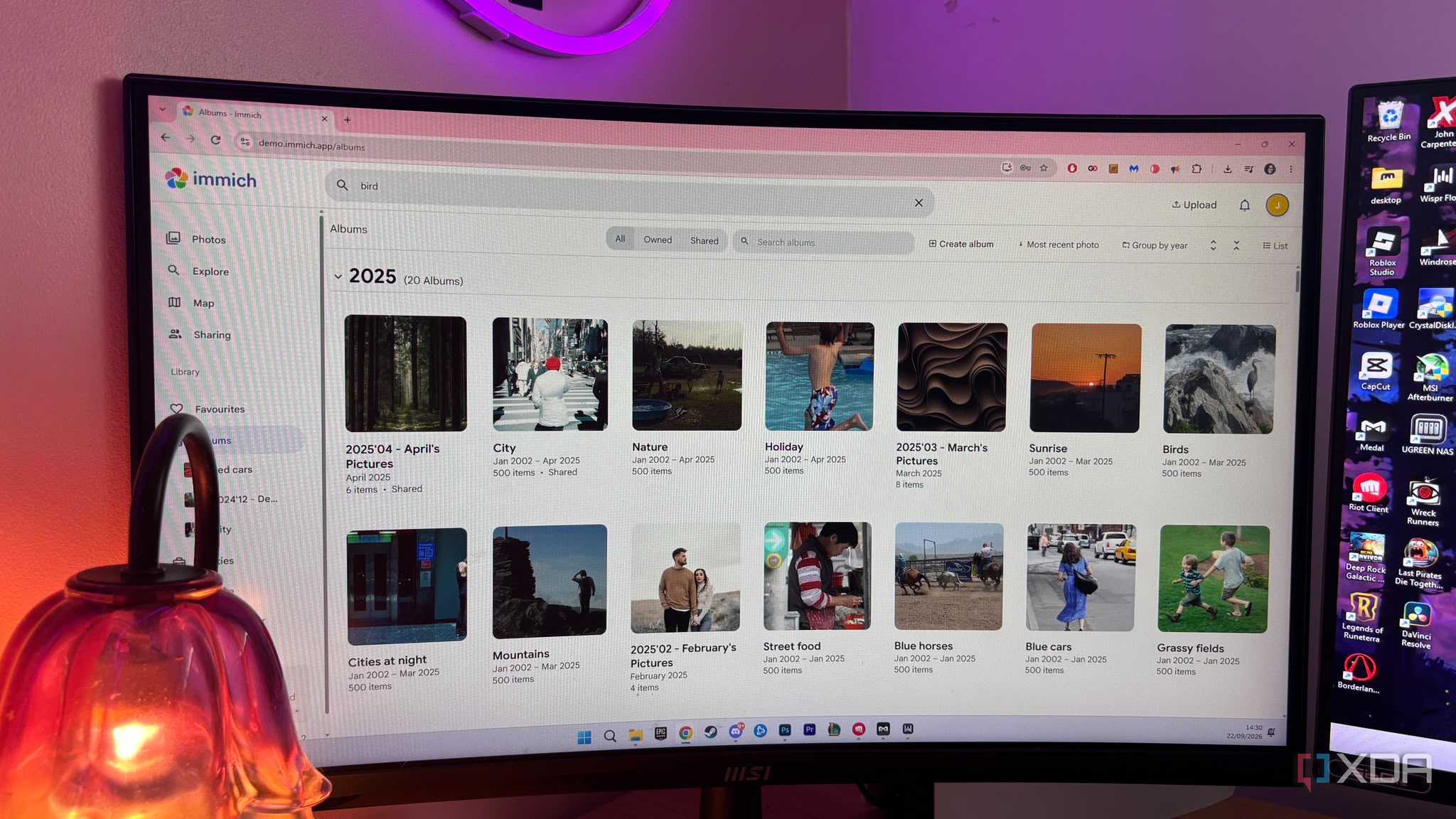
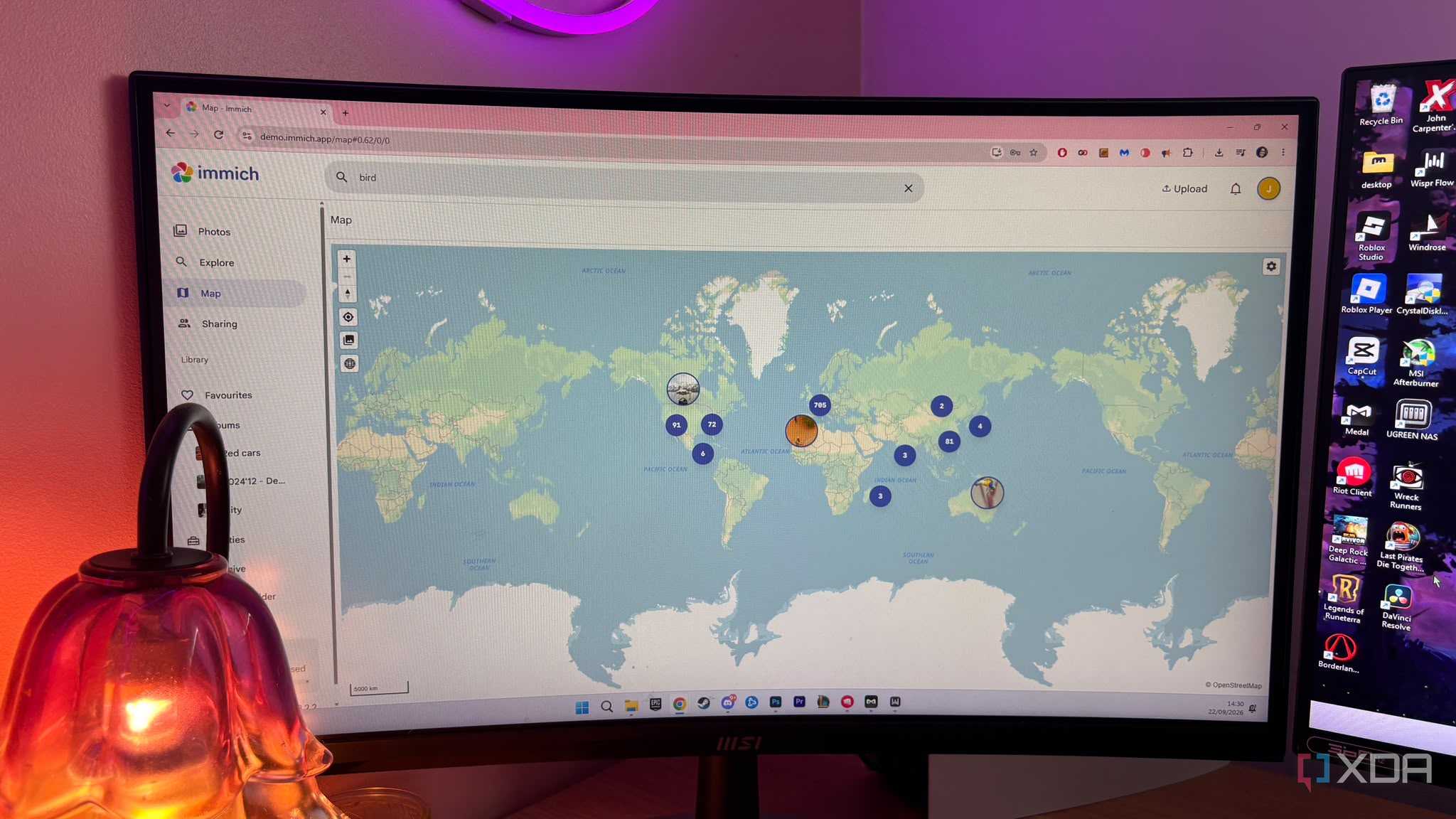





Commercial cloud backups feel like they crawl in comparison to a local director server pipeline. This is because of both the WAN bottleneck and compression overhead. Cloud backups are at the mercy of your internet service provider's asymmetrical upload speeds and external API congestion. This means every photo is encrypted, uploaded across the WAN, processed by a remote data center, and scanned for telemetry before it hits your account. Each step in the process adds a level of latency, meaning the upload process can feel like it takes forever, especially when you're uploading larger files or thousands of images at once.
On top of that, you're also risking privacy and giving away the metadata attached to your photos too. Storing gigabytes and sometimes even terabytes of personal geotags, family portraits, and memories on third-party servers means your data is subject to corporate AI training models with some of these services. This information is typically buried in the terms and conditions, so you might not even know it's happening. As well as this, you're also subject to third-party scanning policies, which, yet again, you might not even know exist.
Immich comes with so many perks
You get access to all the same features, but for free
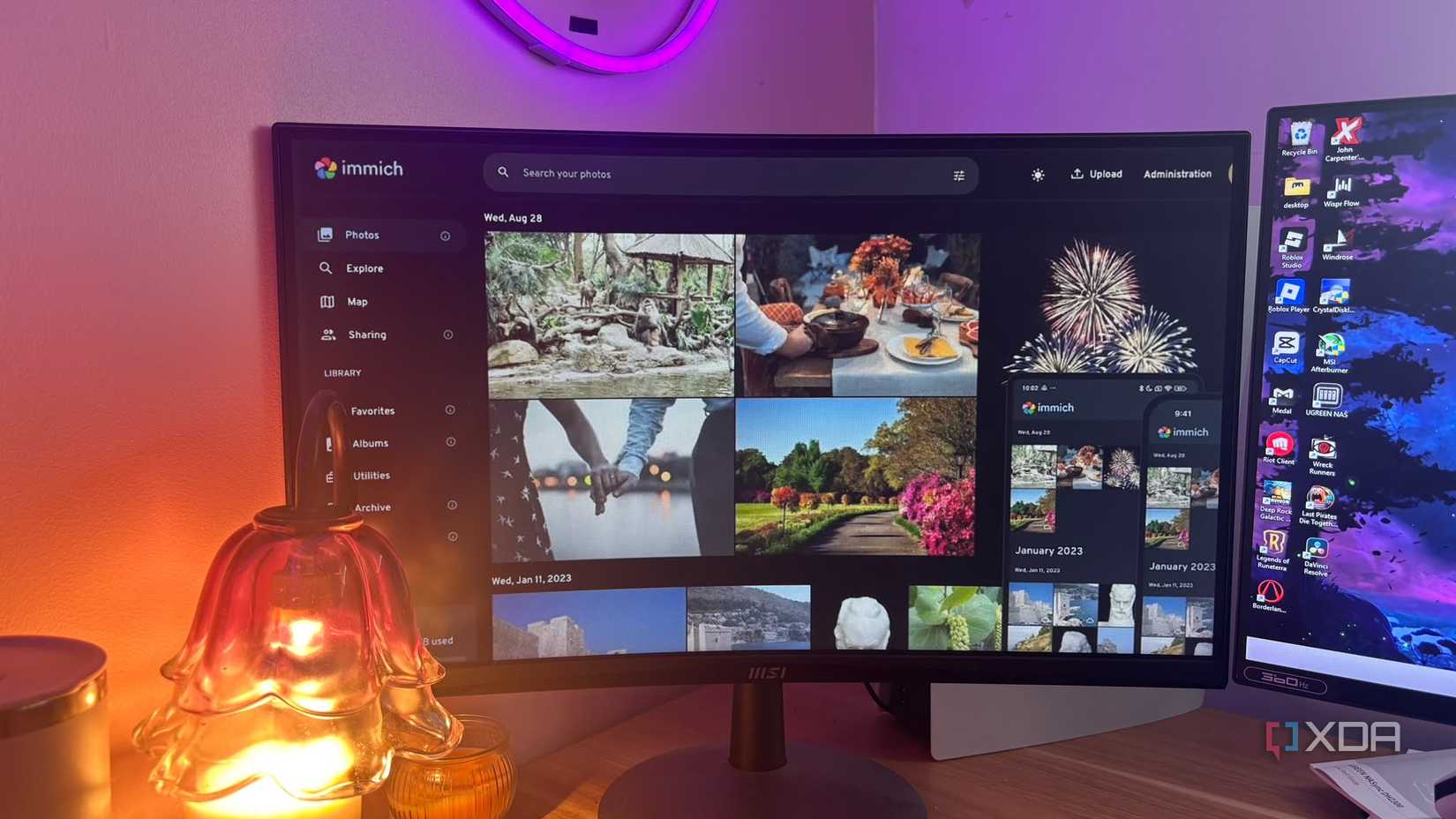
Immich provides you with a major advantage because it's open source. It feels like the easiest alternative to adopt because its UI is so similar to Google Photos that you don't feel like you're losing any of that convenience.
It comes with true native background auto-backup. The iOS and Android companion apps run background services that seamlessly upload photos over your local Wi-Fi the second you walk through the door, bypassing external WAN latency entirely. While you will still have to wait for your pictures to upload, they won't take nearly as long as uploading them directly to the cloud.
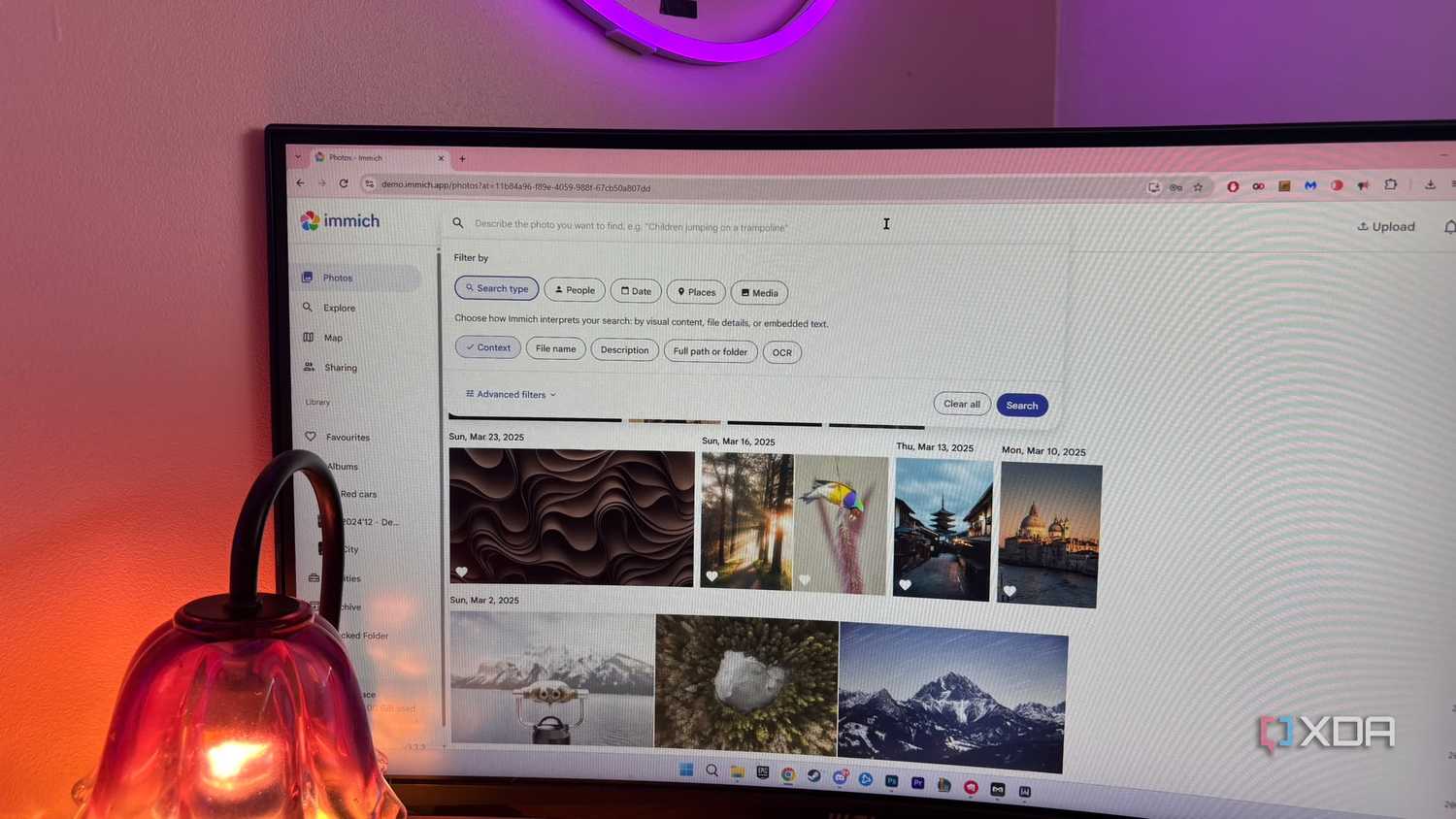
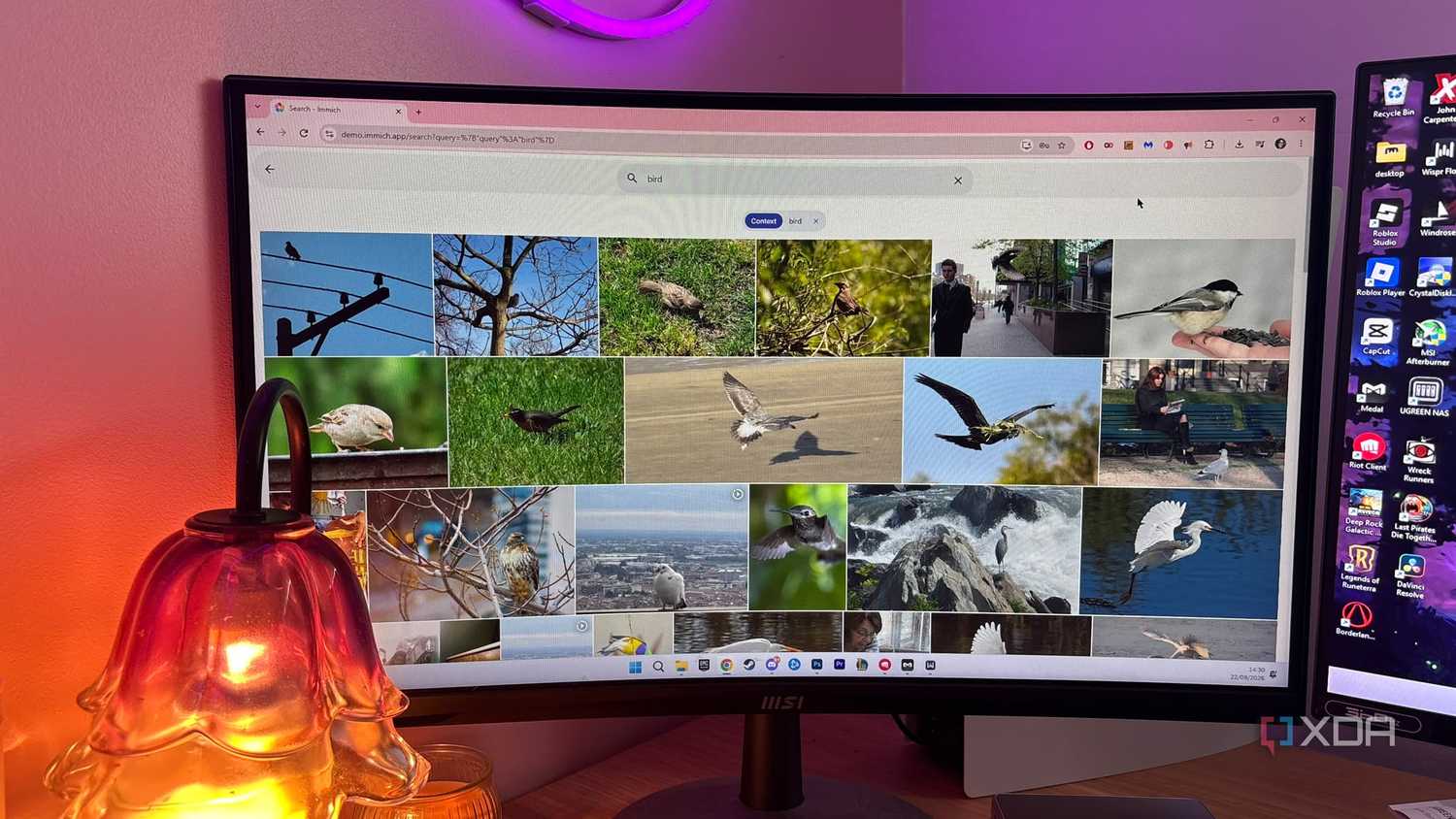
You also get local hardware-accelerated machine learning. Immich uses a local GPU/NPU or multi-core CPU to run facial recognition, object detection, and smart search indexing locally, without sending data to external servers. You also get the search features you get in Google Images within Immich.
On top of that, you get multi-user family isolation, as you can set up secure isolated accounts for family members so everyone gets their own private backup vault while sharing common albums if you want to.
Ensure you have the right hardware
A mini PC is the sweet spot
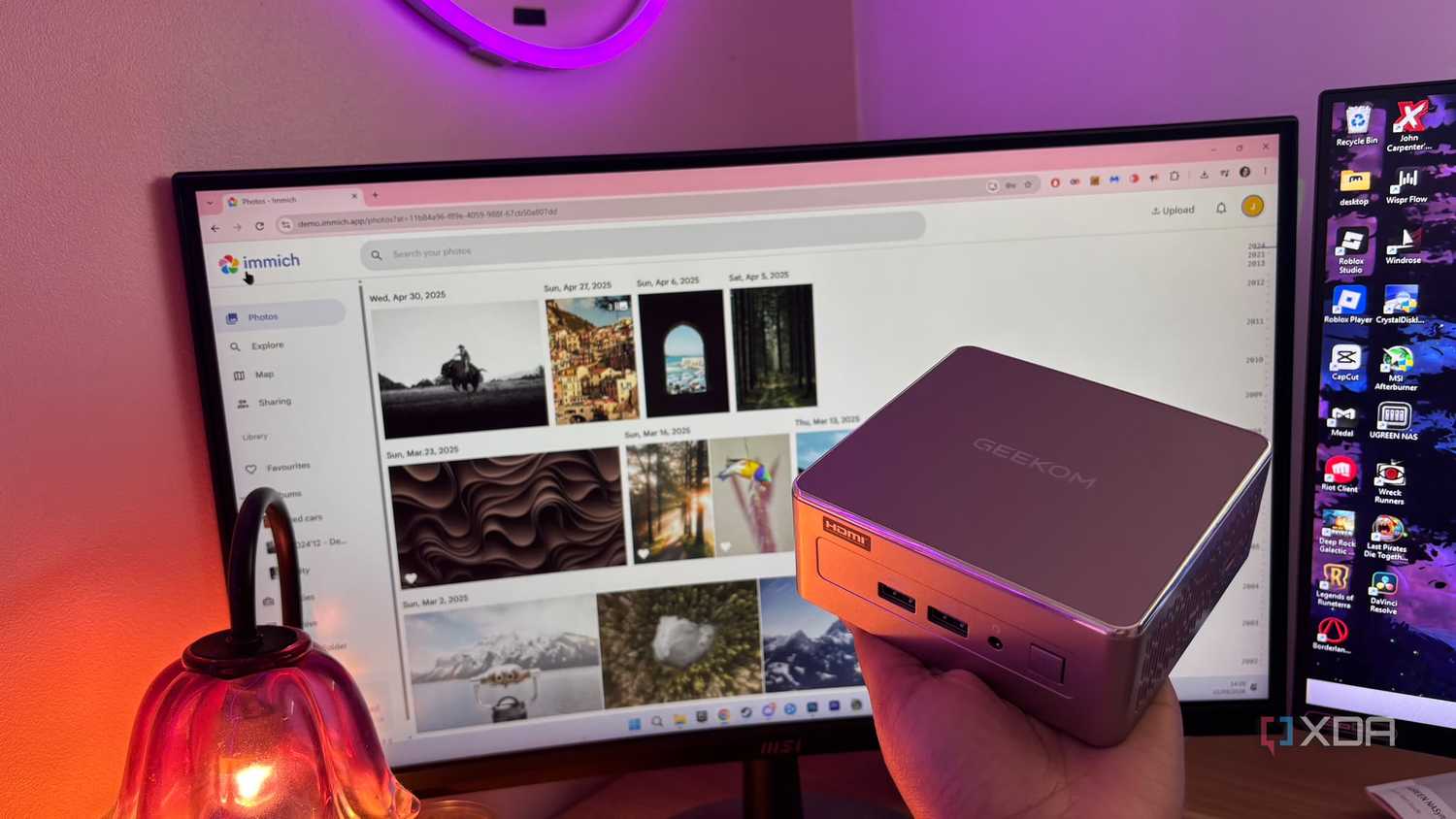
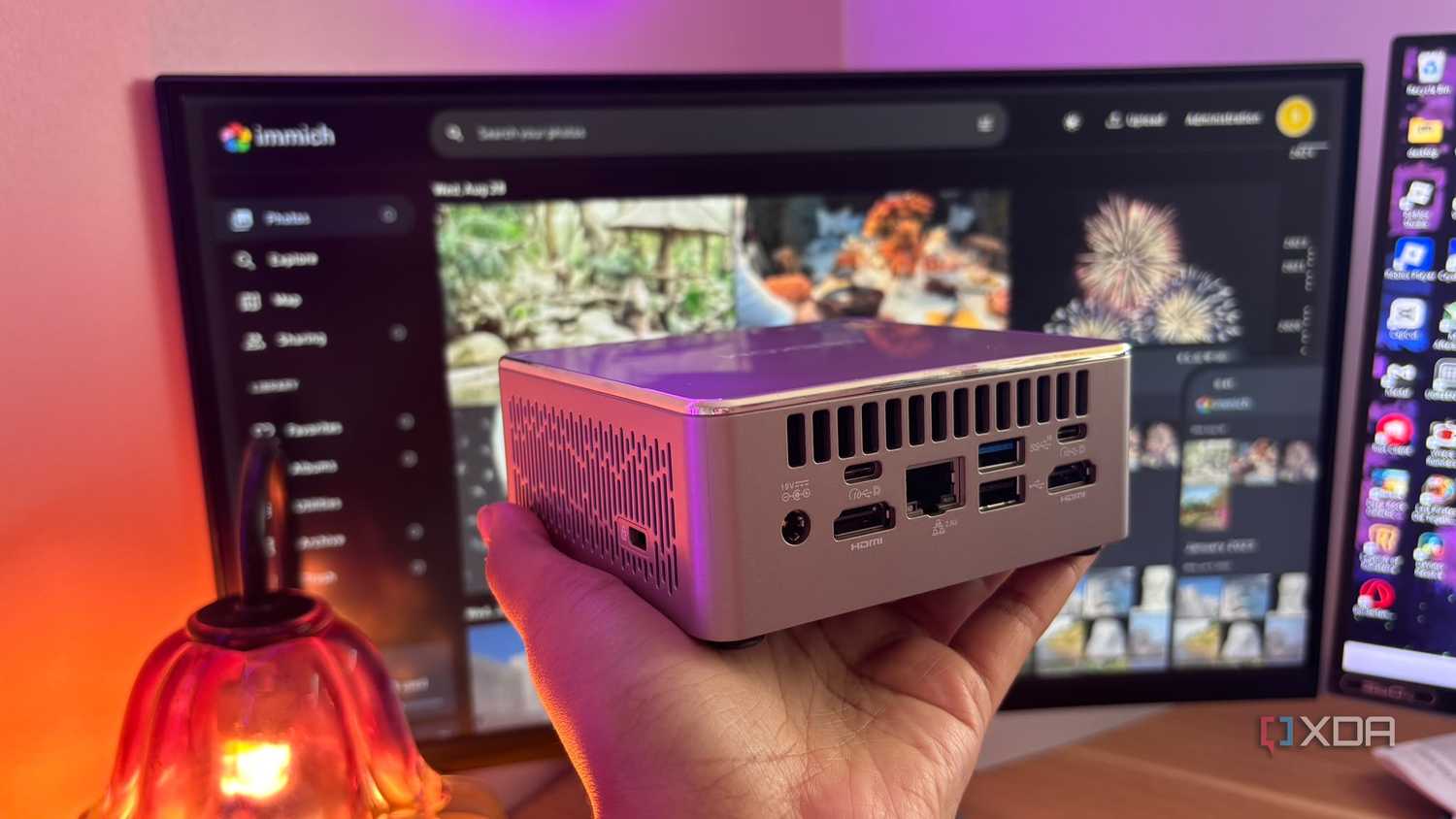
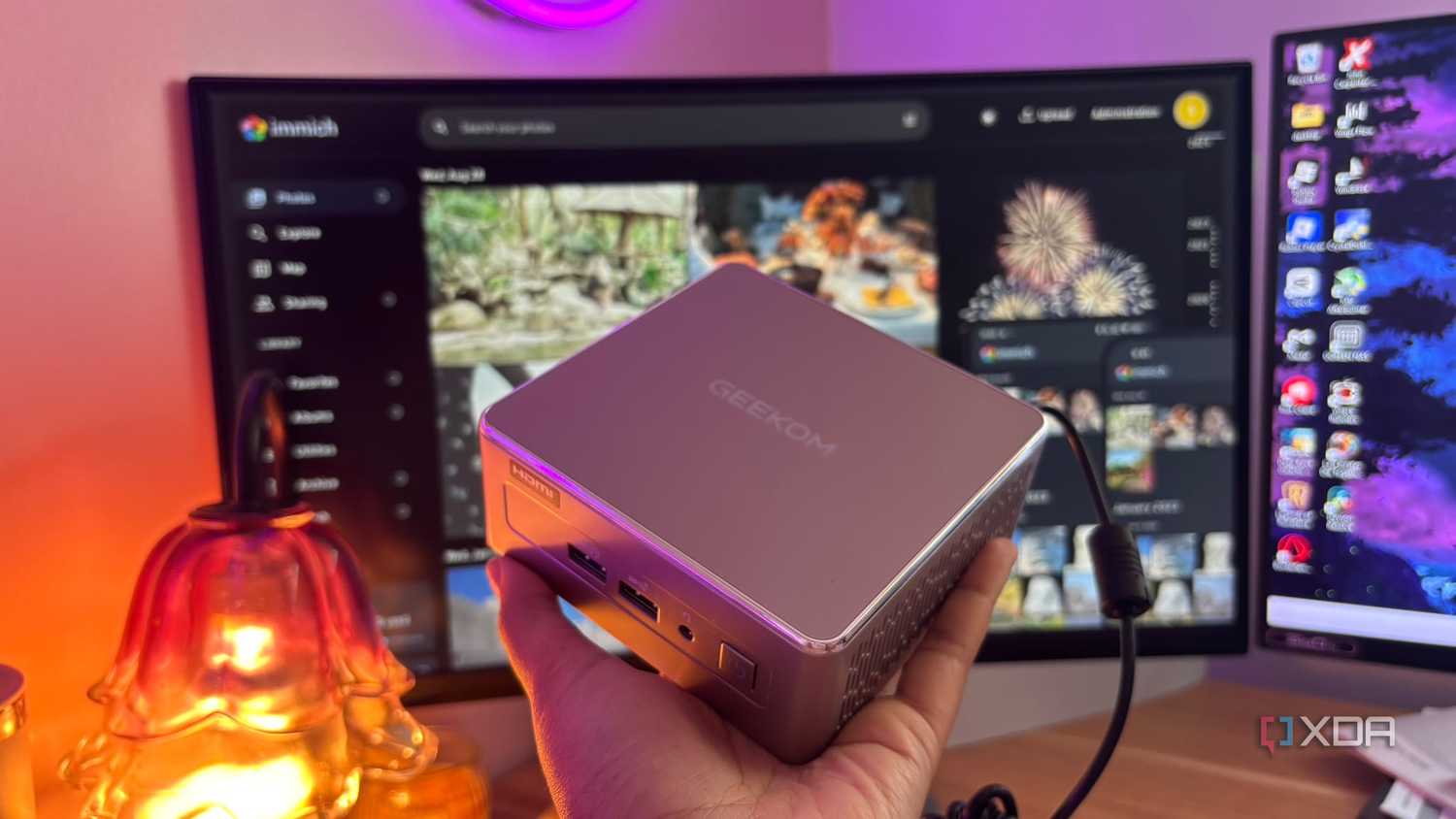
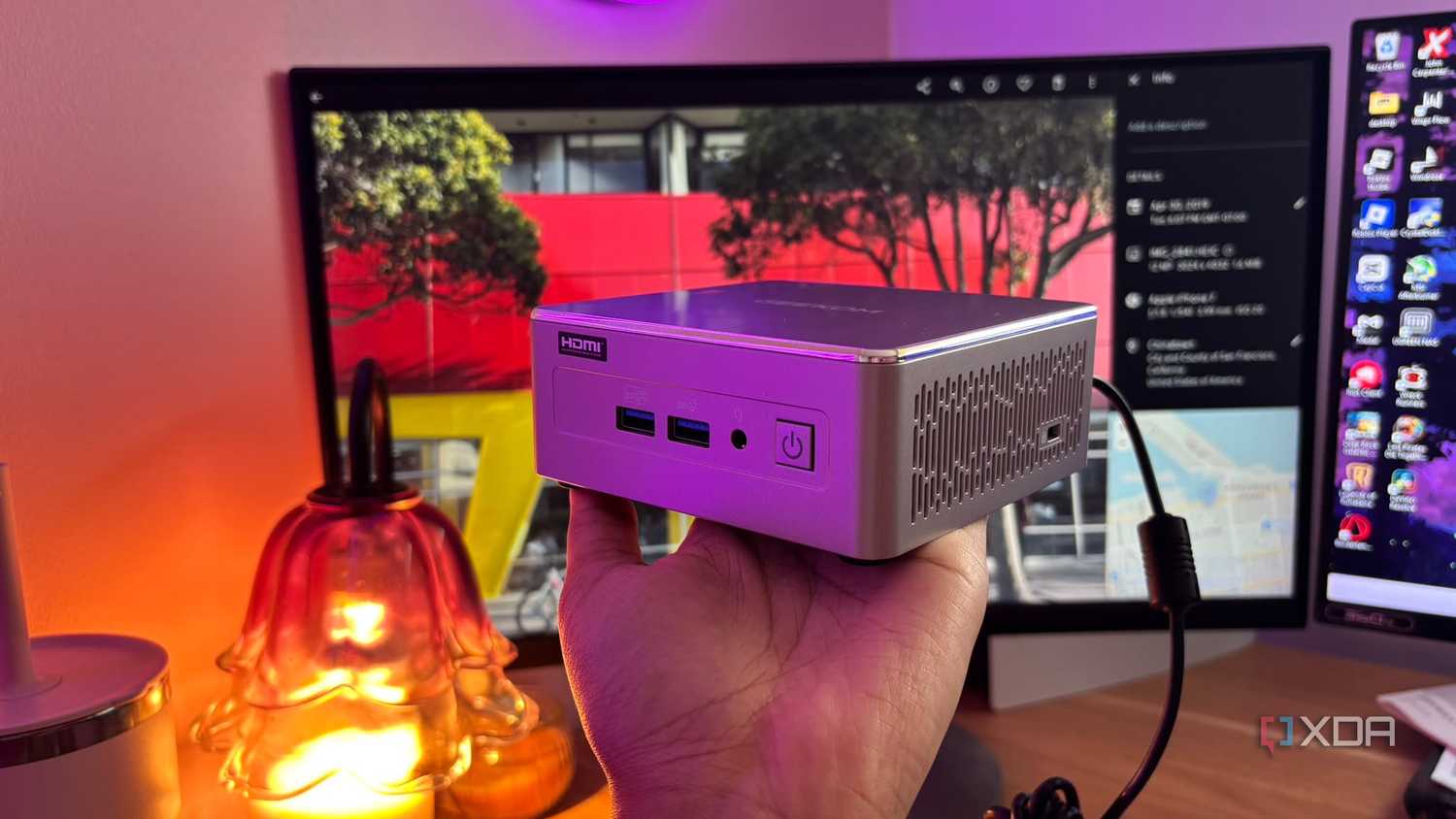
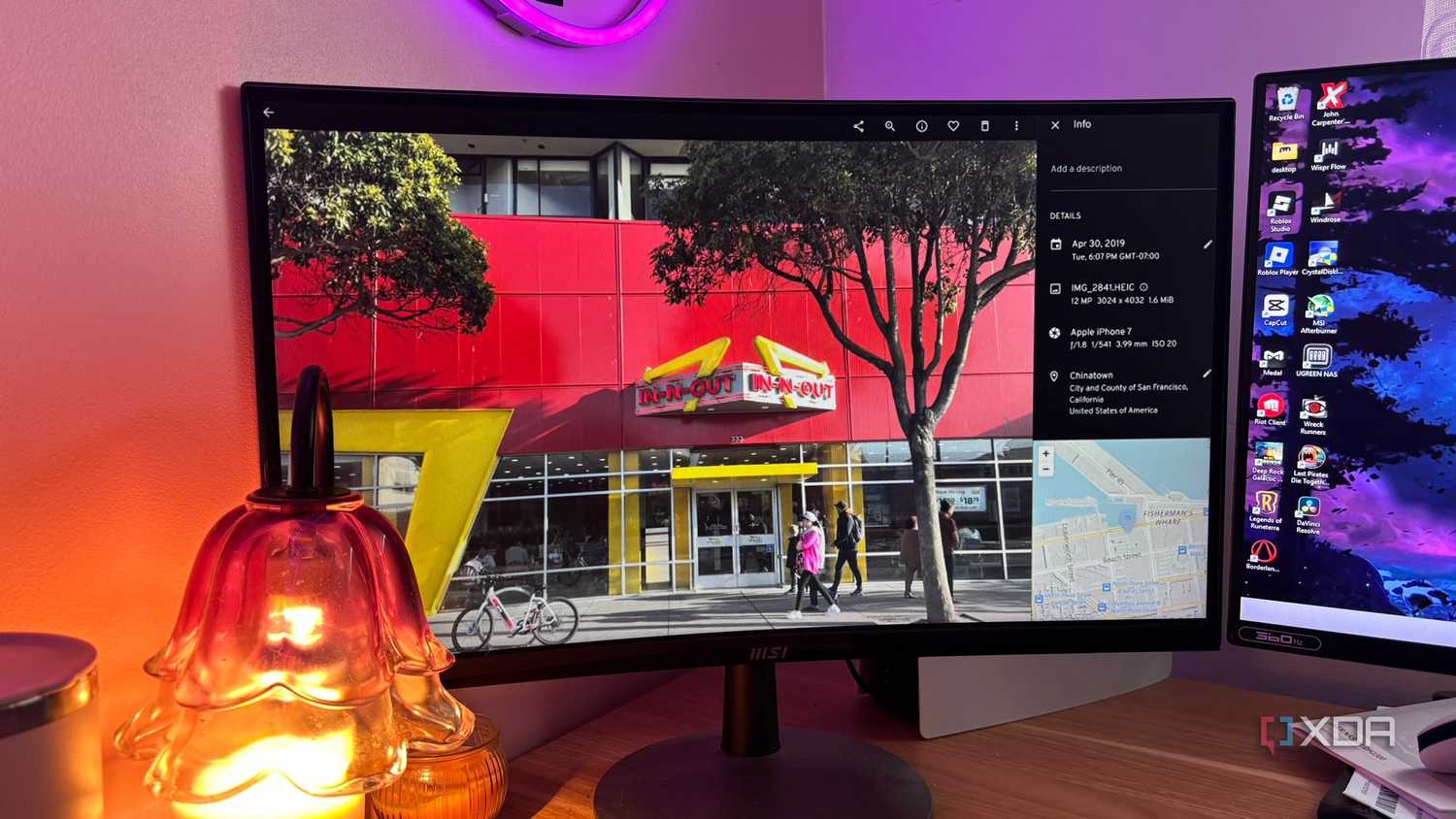

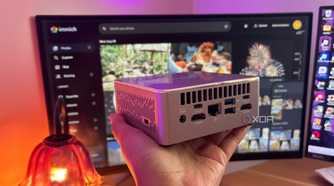
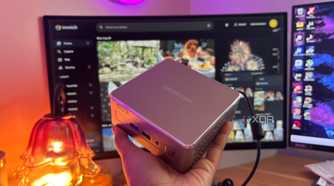
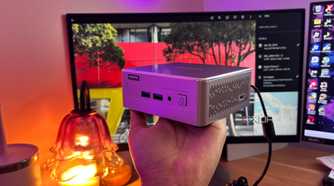

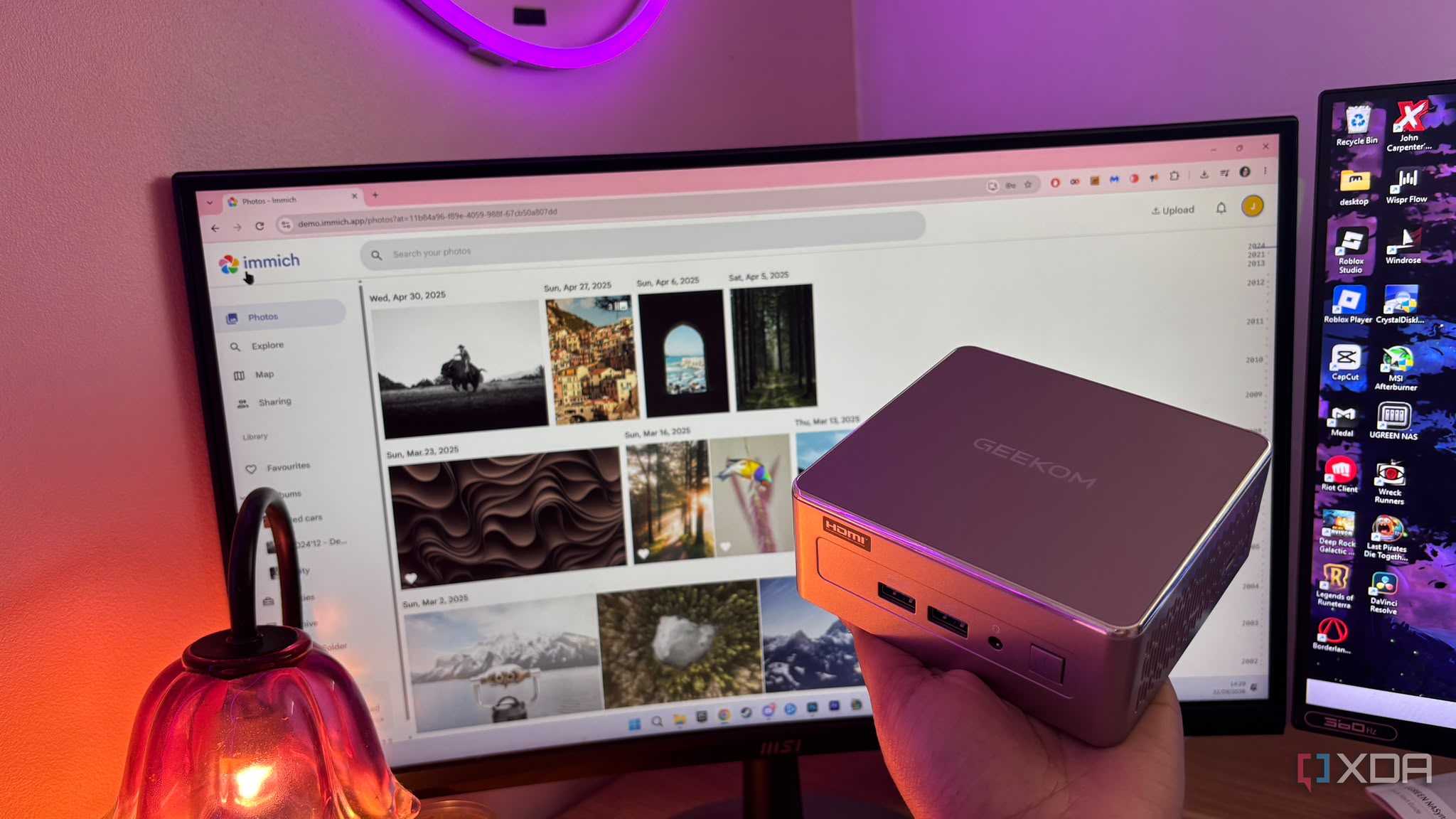
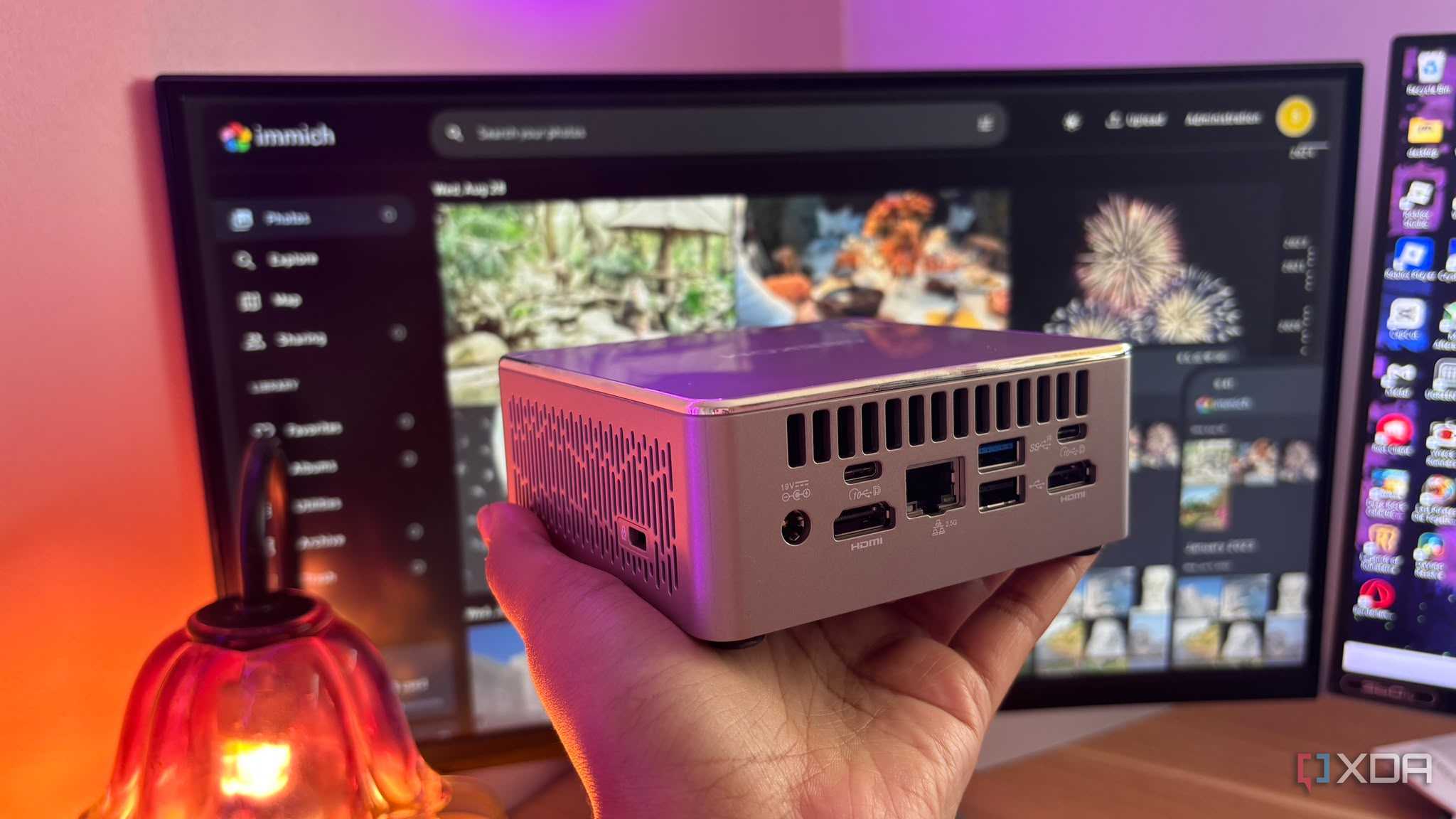
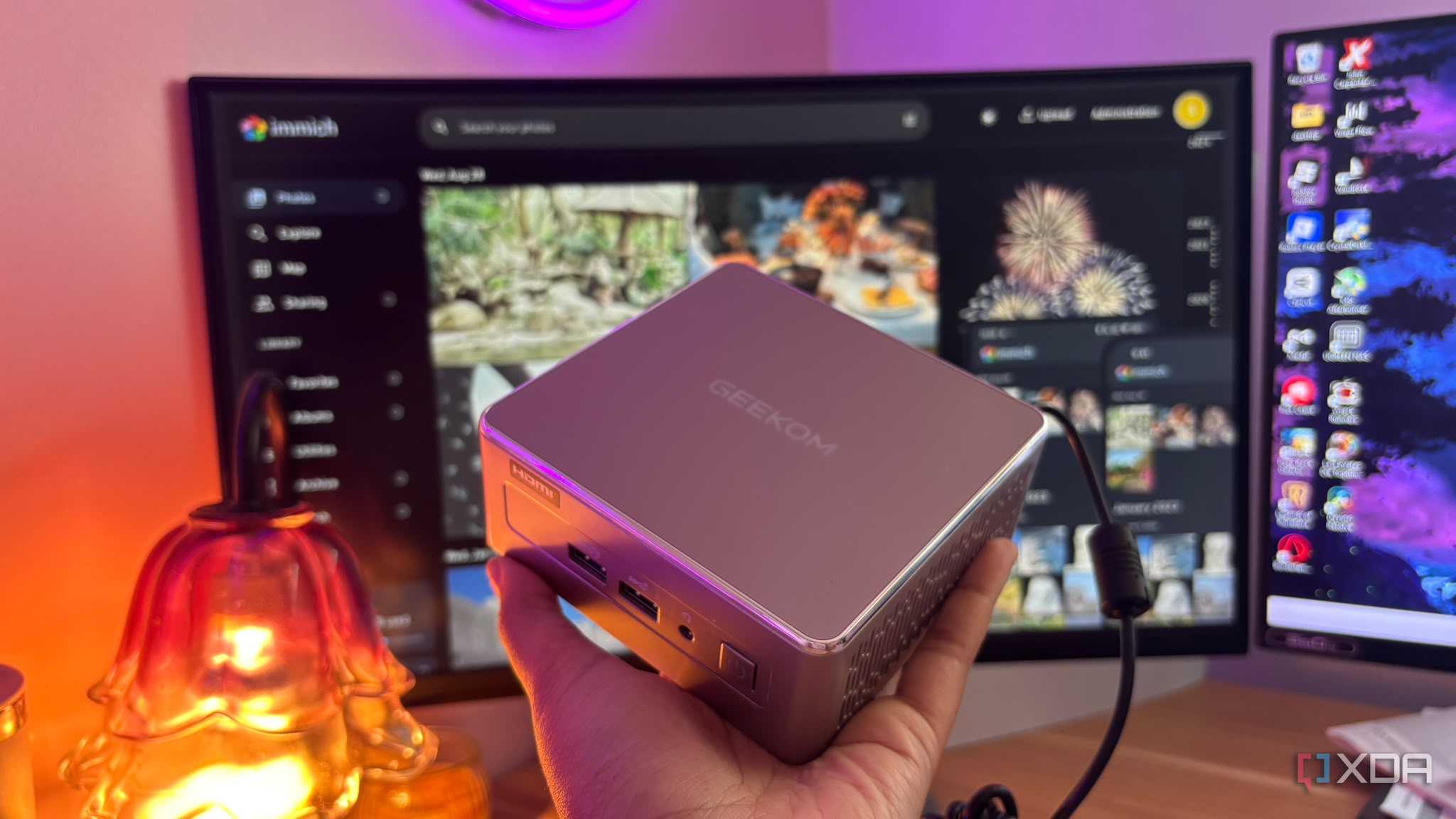
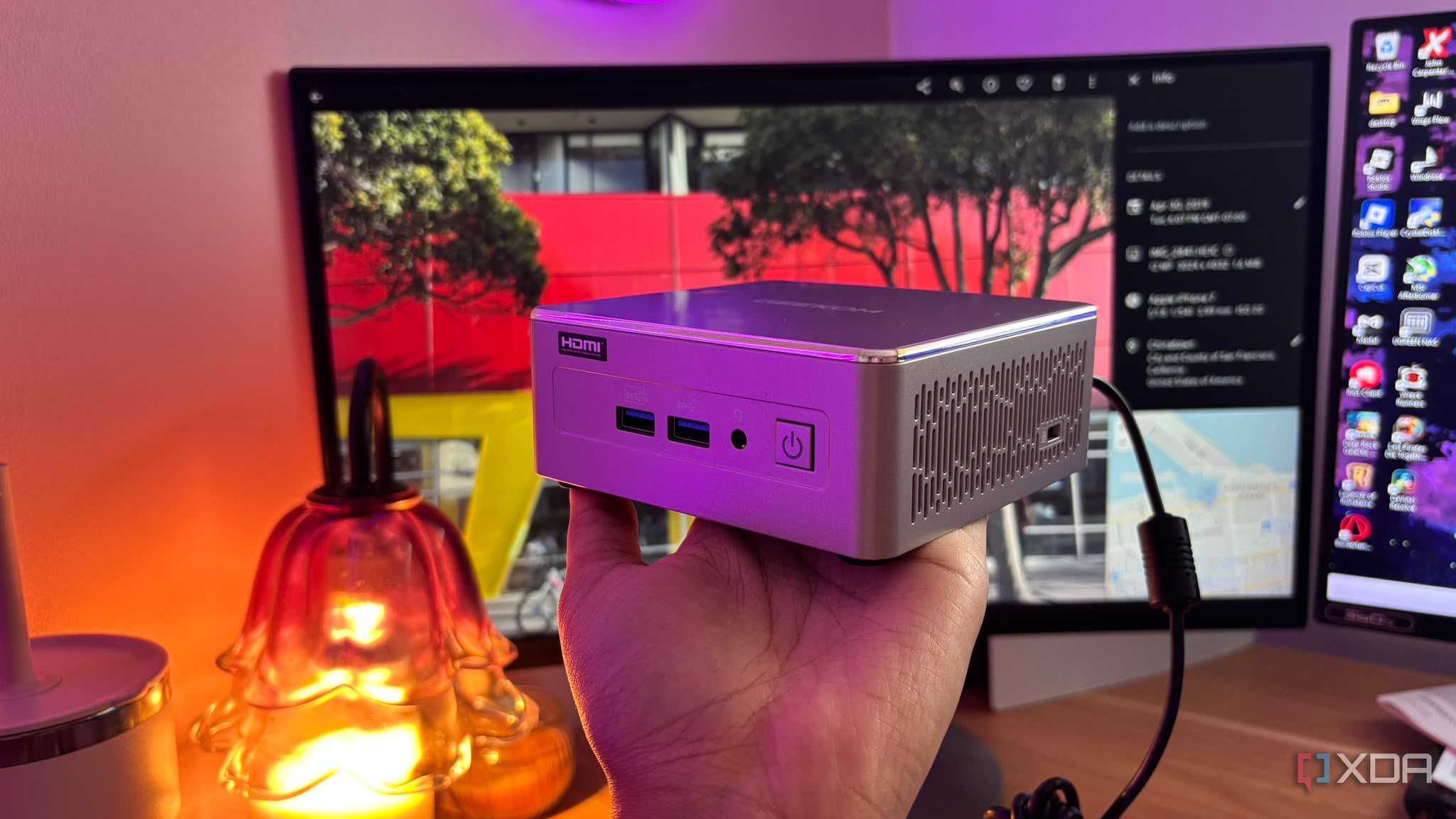
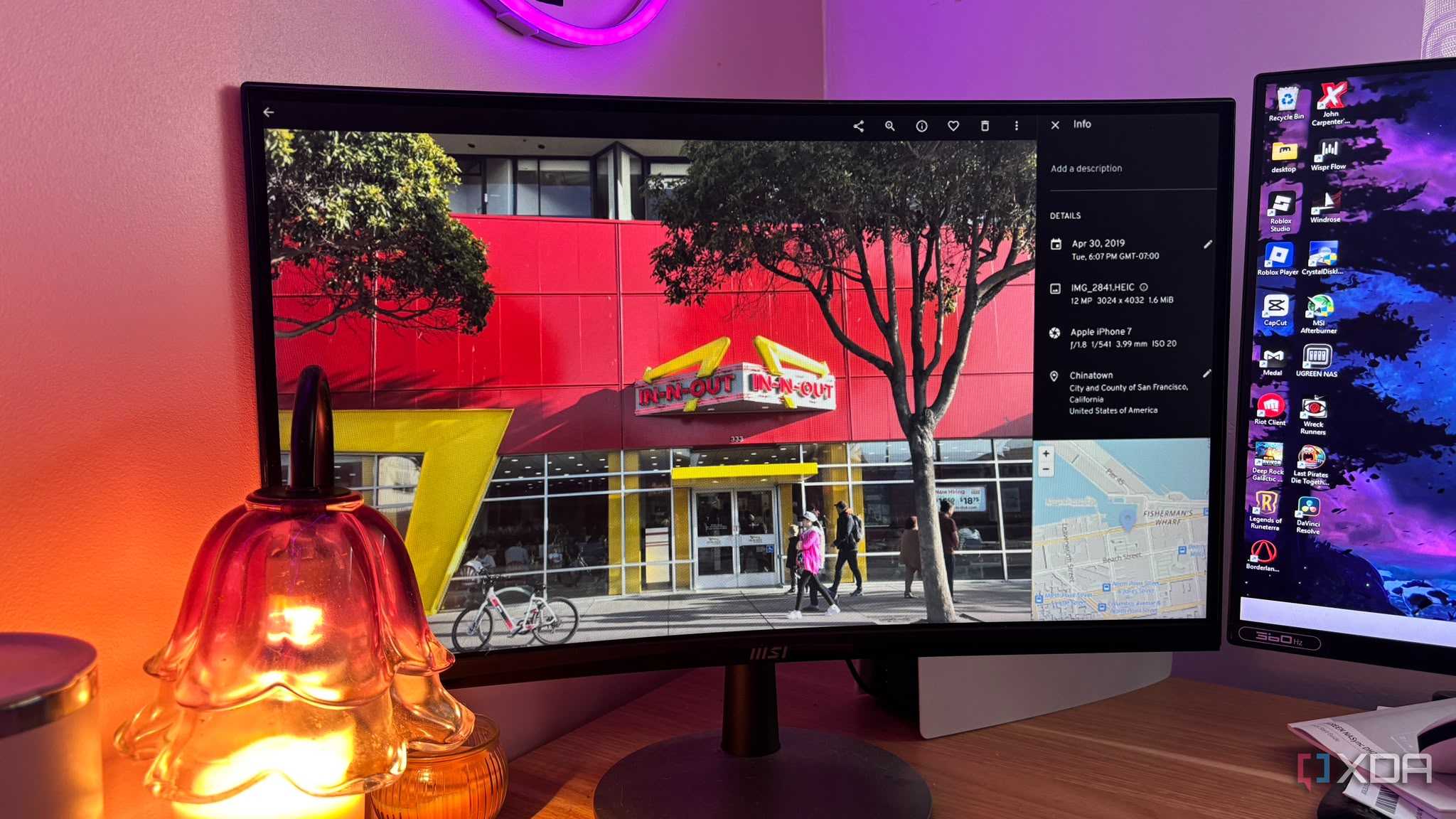


Running Immich alongside a storage pool on an efficient mini PC creates the ultimate setup because you have the advantages of low idle power and high compute. Running Immich inside Docker on a quiet, low-wattage mini PC means machine learning, facial recognition, and indexing run smoothly so long as you have the right specifications, without keeping a noisy, power-hungry desktop tower running 24/7.
You need to make sure that, in order to run a fast, reliable, self-hosted Immich instance alongside your media center and smart home automation stack, you have hardware that balances multi-core compute power for Docker containers and machine learning/facial recognition with memory headroom and I/O expansion.
Look for a modern 6-core, 12-thread processor. Aim for at least 16GB of RAM and ensure you have enough primary storage. Don't worry about this being too large, as you can always include direct-attached storage by pairing the mini PC with a USB or network share (giving you terabytes of expandable mechanical storage capacity for larger photo archives). Ideally, you want a built-in 2.5 GbE Ethernet port.
Sticking to a 15W to 35W mobile silicon TDP envelope means your mini PC can run 24/7, 365 days a year, while keeping idle power draw low to minimize your electricity bill.
I decided to opt for the Geekom A5 2027 edition because it features an AMD Ryzen 5 7430U processor, as Immich's machine learning container, as well as Plex transcoding, leans heavily on CPU performance. Multi-threading keeps face recognition scans and Docker container tasks running in the background without stuttering your home automation or media playback.

Geekom A5 2027
If you're looking for a great mini PC that works for self-hosting or home automation, then the Geekom A5 2027 might be the one for you.
See at Amazon Expand CollapseStop paying monthly
Immich does it for free
Immich provides open-source software that can match and frequently beat commercial cloud platforms in speed, design, and privacy, all while giving you a familiar and clean UI. Cancel your recurring cloud subscription, spin up Immich on your home server, and experience photo backups that are genuinely private, entirely local, and instantaneous.