요약
It works, but not how you’d expect
본문
 By
Rahul Naskar
Published Mar 30, 2026, 2:38 AM EDT
Rahul Naskar has years of experience writing news and features related to Android, phones, and apps. Outside the tech world, he follows global events and developments shaping the world of geopolitics.
Sign in to your Android Police account
By
Rahul Naskar
Published Mar 30, 2026, 2:38 AM EDT
Rahul Naskar has years of experience writing news and features related to Android, phones, and apps. Outside the tech world, he follows global events and developments shaping the world of geopolitics.
Sign in to your Android Police account
Playing videos while driving is dangerous. Not only videos, but other types of visual distractions can cause safety issues while you drive. This is precisely why there are so many limitations to app functionality on Android Auto when the car is in motion. Because of this limitation, many entertainment apps, including YouTube, are missing full support for Android Auto.
However, a lot of people still use third-party methods like CarStream and Fermata Auto to bypass some limitations. But even with the third-party methods, it was still quite difficult to get the YouTube video playback working on Android Auto. All these hassles may not be worth it because YouTube has officially added support for Android Auto, though with big limitations.
YouTube now works on Android Auto, but not how you'd expect
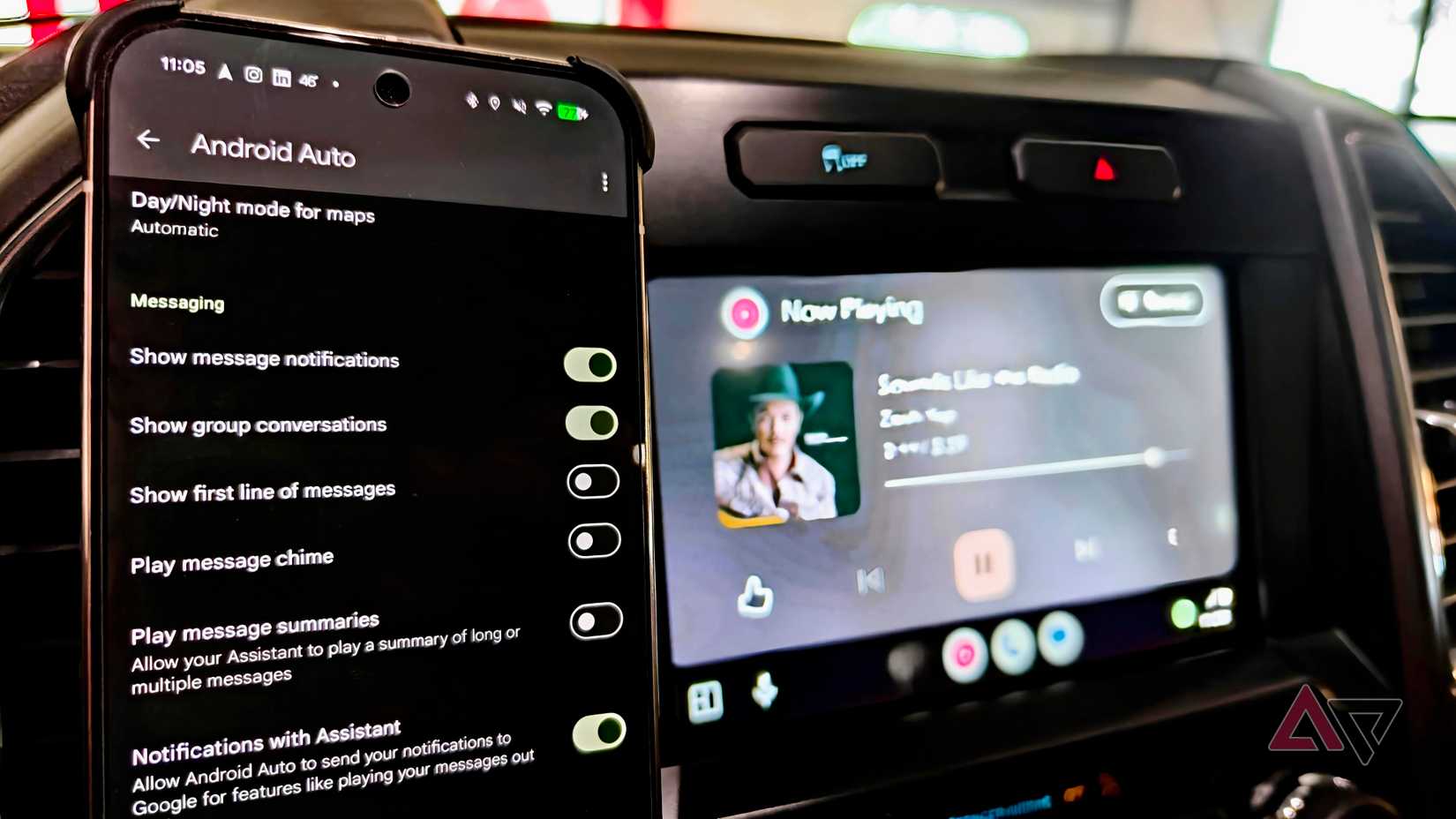
As first spotted by u/IGameShit on Reddit, YouTube is now available on Android Auto's media controls, allowing users to play, pause, and skip video content right from the car's screen. However, the biggest limitation is that YouTube acts like an audio stream, like YouTube Music and Spotify, and not how it works on your mobile phone.
The official YouTube player on Android Auto can't play videos. You can technically play any content on YouTube on Android Auto, but it'll only play audio, not video. So, some of the practical uses of this app will be podcasts and news streaming. Even if you use it for podcasts and news streaming, you need to be aware of its other limitations.
For example, as noted by 9to5Google, you can't skip forward within a video, which means the skip button will take you to the next video. Based on what we've seen in the Reddit post, the YouTube player doesn't show the browsing option, either. This isn't unexpected given Android Auto's safety-focused interface restrictions.
Moreover, not many will like it, but the YouTube player on Android Auto is pretty useless if you are using the streaming platform for free. YouTube on Android Auto requires background playback support to work, so you'll need to subscribe to any of the Premium plans.
Subscribe to the newsletter for Android Auto coverage
Get clear coverage of Android Auto and related in-car app changes—subscribe to our newsletter for focused analysis, practical breakdowns of feature limits, and what those shifts mean for drivers and media users. By subscribing, you agree to receive newsletter and marketing emails, and accept our Terms of Use and Privacy Policy. You can unsubscribe anytime.Currently, the cheapest way to get background playback support on YouTube is by subscribing to the Premium Lite plan, which currently costs $7.99/mo in the US. On the other hand, a full Premium subscription with all the benefits costs $13.99/mo in the US.